
Quick Start
Integrate erupt-flow in three steps: build the source → add the dependency → start the project.
1. Build the Source and Publish to Local Repository
Clone the erupt-flow source: https://github.com/erupt-io/erupt-flow
Switch to the tag matching your project's erupt version: https://github.com/erupt-io/erupt-flow/tags
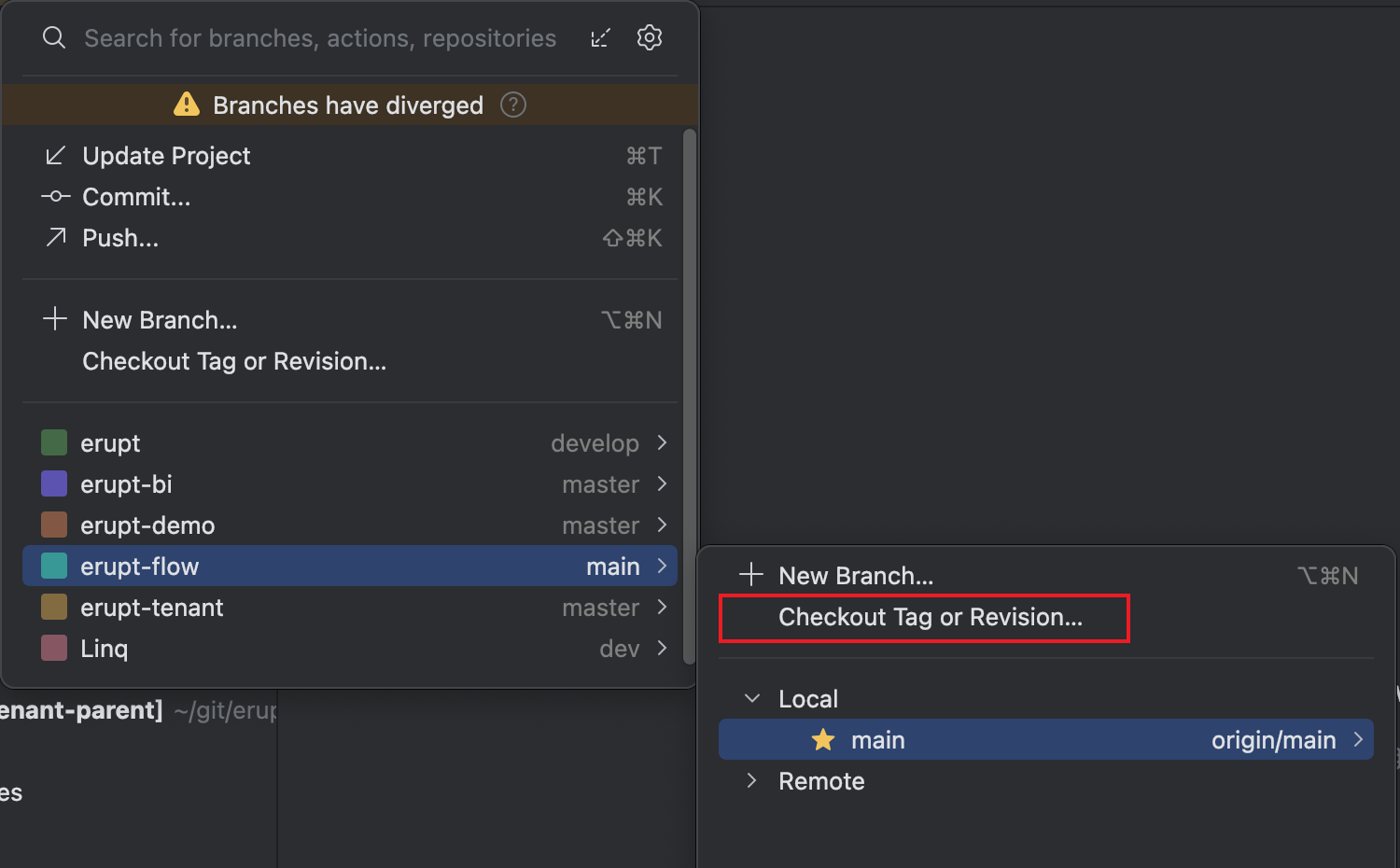
Run the following maven command in the project root to publish to your local repository or private registry:
bash
mvn -D skipTests=true install2. Add the Dependency
Add this dependency to your erupt project:
xml
<dependency>
    <groupId>xyz.erupt</groupId>
    <artifactId>erupt-flow</artifactId>
    <version>${erupt.version}</version>
</dependency>
3. Start the Project
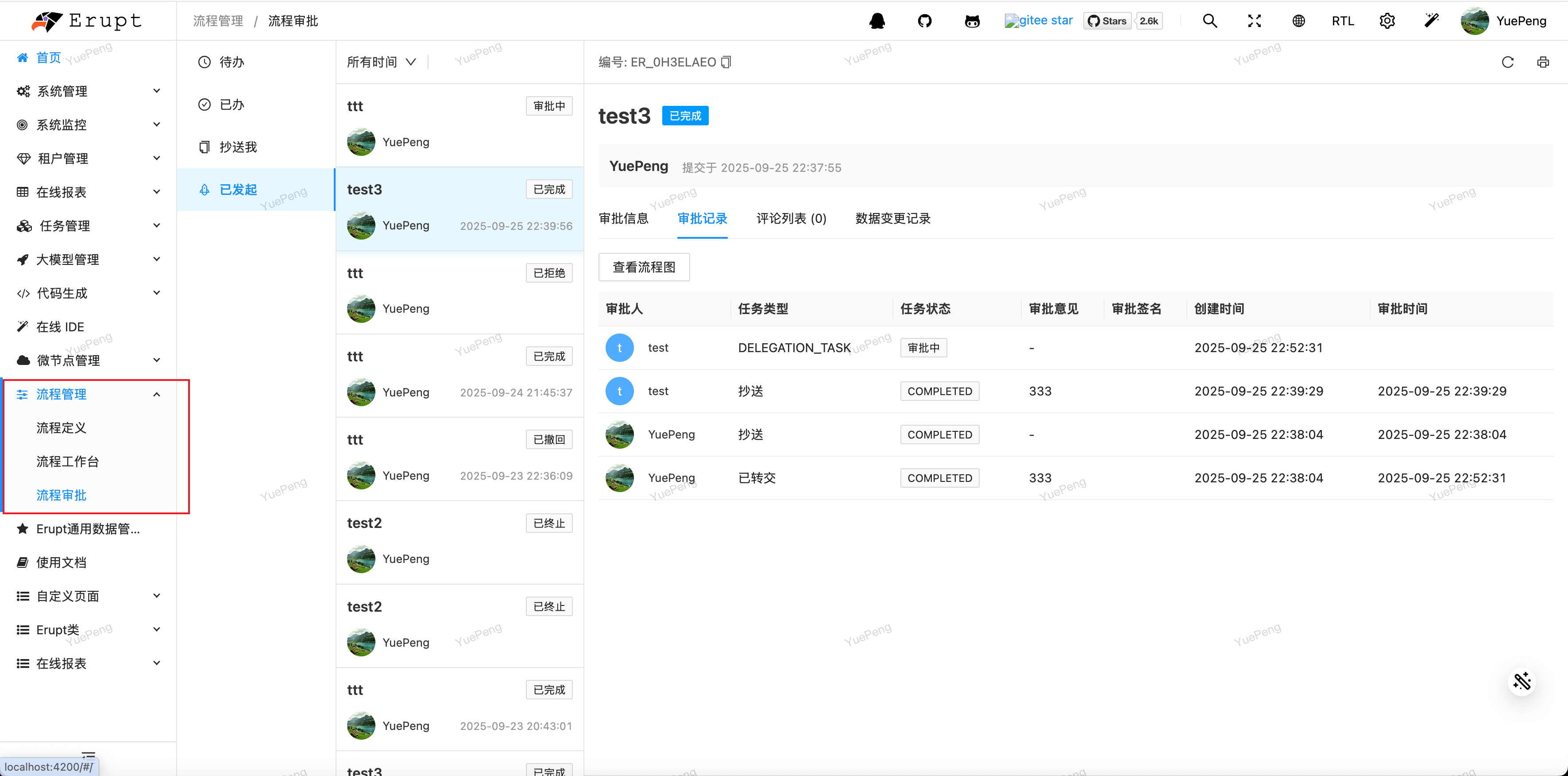
Log in again with the super admin account and the workflow management menu will appear:
Configuration Options
yaml
erupt:
  flow:
    scheduler-cron: '0 */2 * * * ?' # Scheduling frequency, used to drive flow transitions
    enable-scheduler: true # Whether to enable the scheduler
Once integrated, continue with Approval Forms and Workflow Development.
Contributors
 YuePeng
 Claude Fable 5.1