
Erupt Notice Message Notifications
Requires version 1.13.2 or above
Provides broadcast-to-all and point-to-point message push capabilities, with support for rich-text formatting and content management. The default transport mechanism is WebSocket in-app push, with a pluggable extension model that supports third-party notification channels such as SMS, email, Feishu (Lark), and Slack.
Adding the Dependency
<dependency>
    <groupId>xyz.erupt</groupId>
    <artifactId>erupt-notice</artifactId>
    <version>${erupt.version}</version>
</dependency>
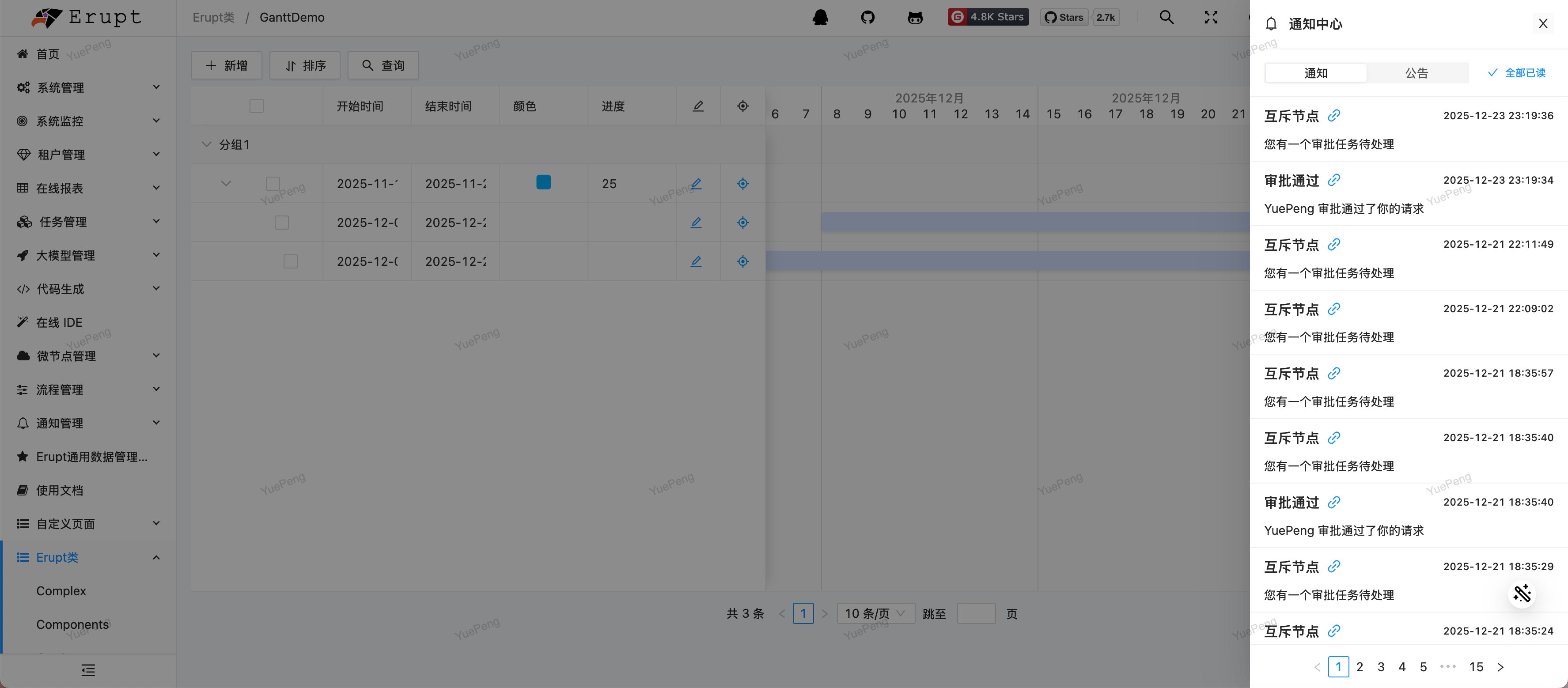
After starting and logging in again, a notification bell icon appears in the top-right corner and a notification management menu appears in the sidebar:
Features
Announcements
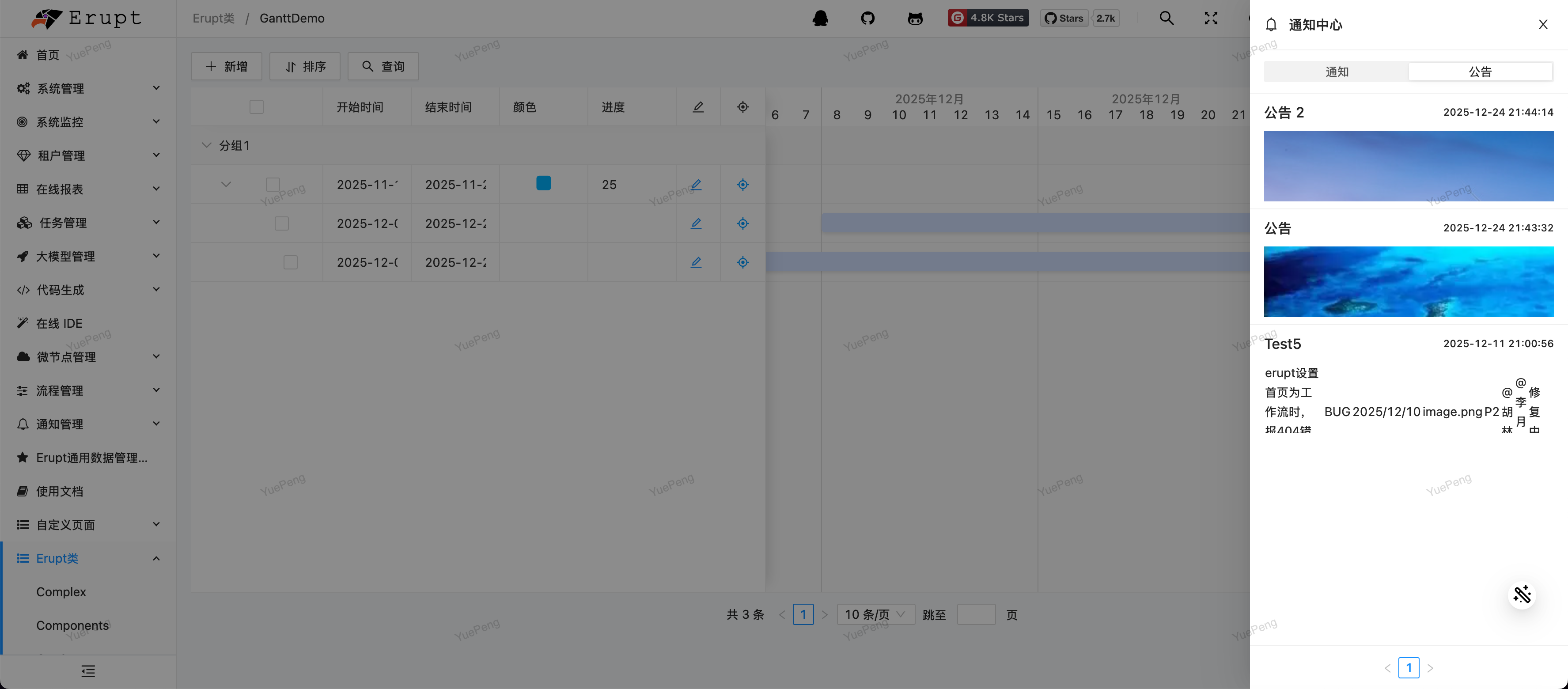
Supports rich-text editing. Published announcements are visible to all users when they enter the system:
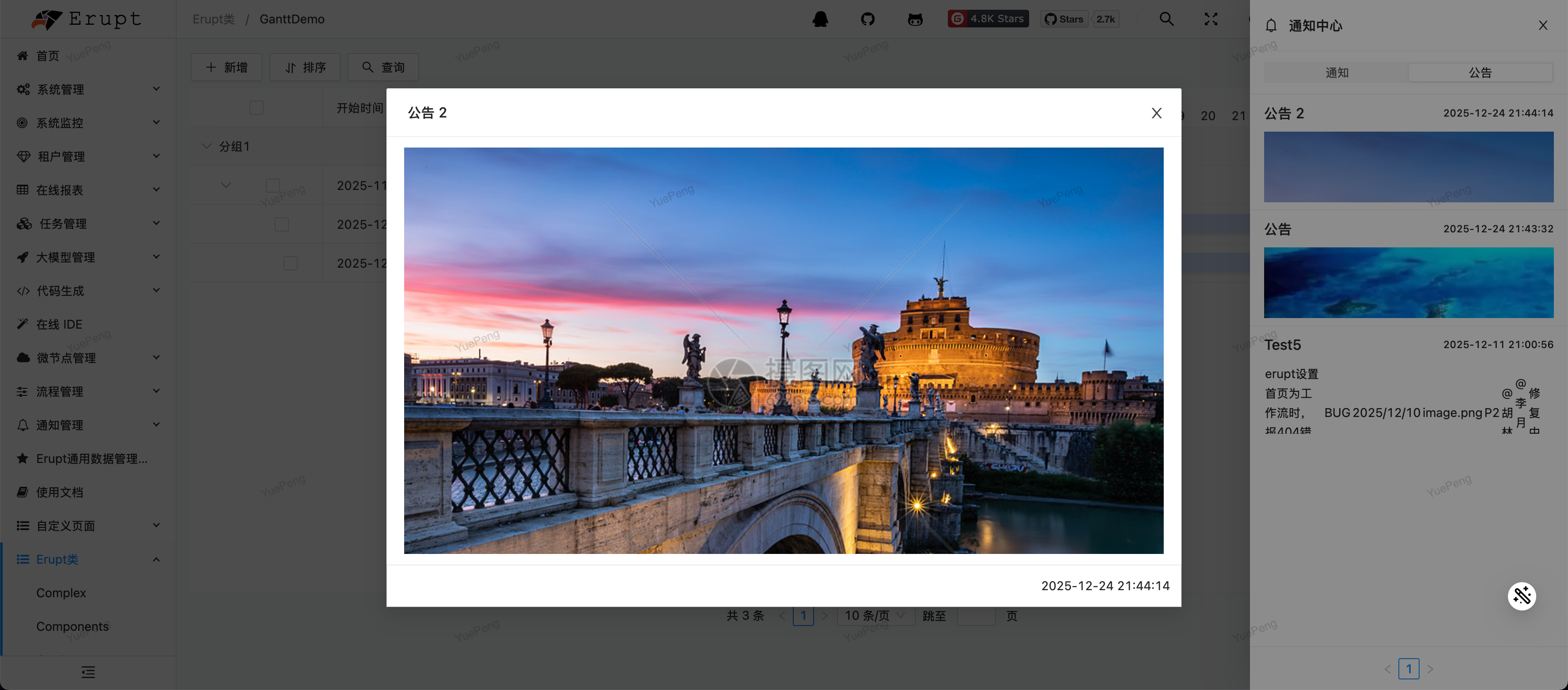
Announcement edit interface:
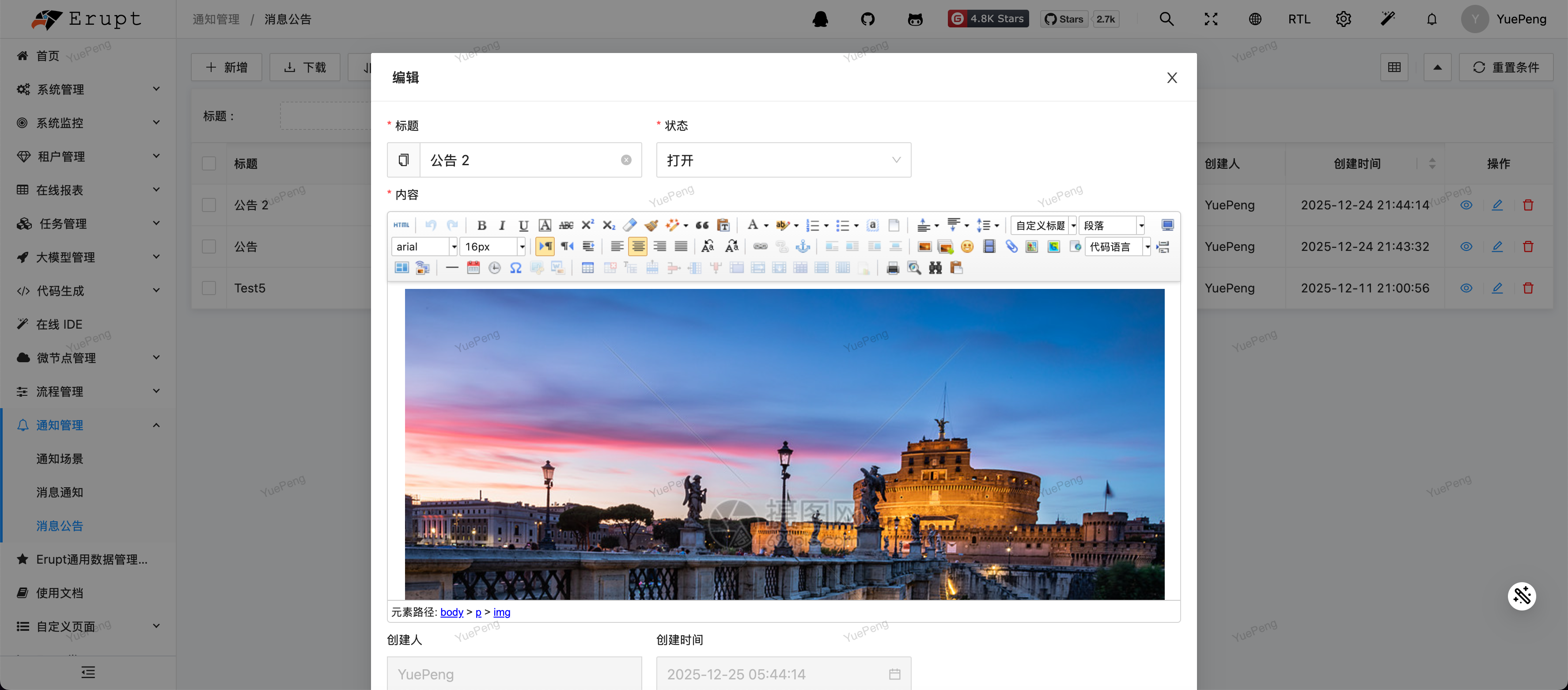
Announcement display:
Notification Scene Management
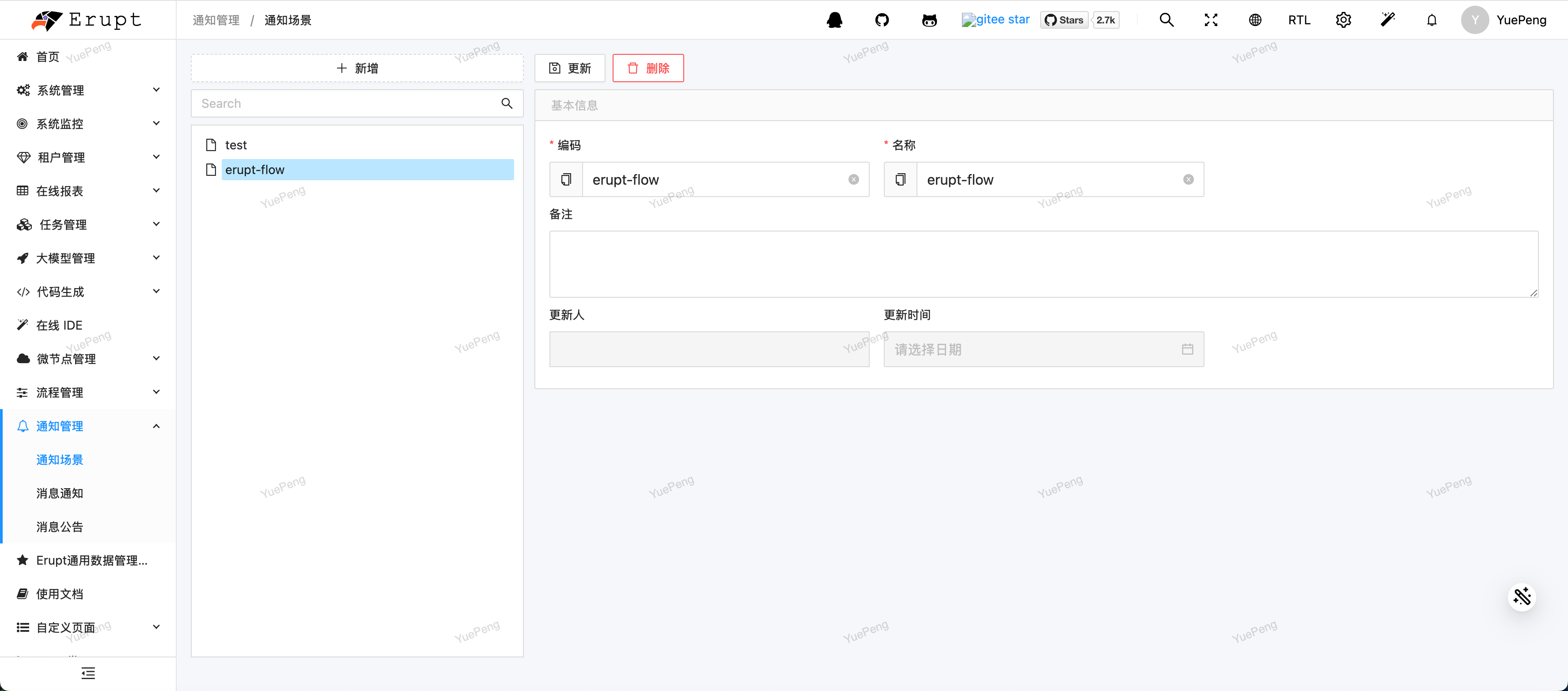
Based on different business sources, notification scenes must be configured before sending notifications, making it easier for users to categorize and manage received notifications:
Message Notifications
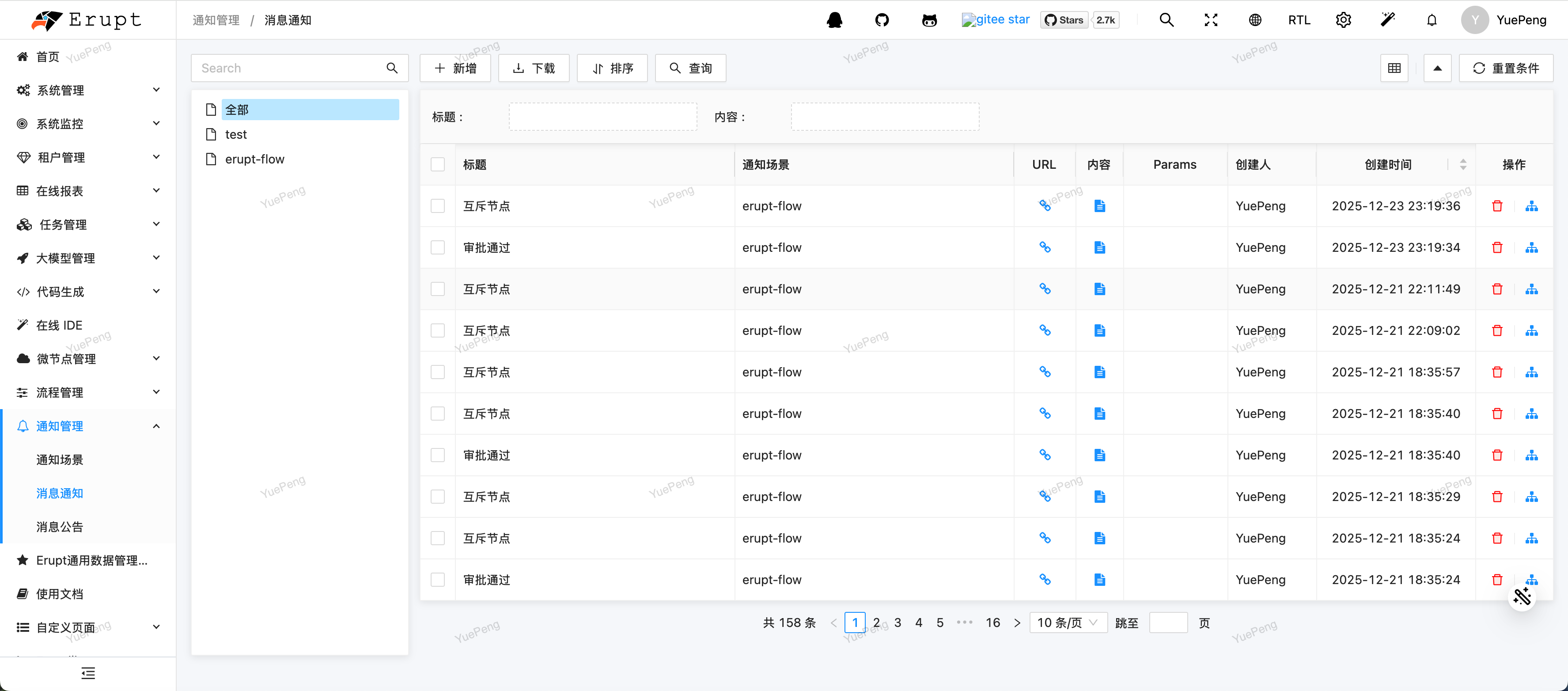
Messages sent via the API or manually appear in the notification list, with support for marking as read and viewing details:
Send Notification API
@Resource
private EruptNoticeService eruptNoticeService;

@Resource
private EruptInternalNotice eruptInternalNotice; // Built-in in-app channel

public void notifyUsers() {
    NoticeMessage message = new NoticeMessage();
    message.setTitle("Message Title");
    message.setContent("Message Content");
    message.setUrl("/some/page"); // Optional, the page opened when the notification is clicked

    // Send through a channel. The 2nd argument is the notice scene code,
    // the 3rd one is the list of recipient user IDs.
    eruptNoticeService.send(eruptInternalNotice, "scene_code", Arrays.asList(1L, 2L), message);
}
You can also pass a NoticeScene entity together with multiple channel codes:
// channels is a list of channel codes, which default to the channel class SimpleName
eruptNoticeService.send(noticeScene, List.of("EruptInternalNotice"), Arrays.asList(1L, 2L), message);
Note
- The service class is
EruptNoticeServiceand it has nobroadcastmethod. To notify everyone, query the user IDs yourself and pass them in. - Recipients are user IDs (
List<Long>), not login account strings. scene_codemust be an existing code in "Notification Scene", otherwise aNotice Scene not foundexception is thrown.
Notification Channels
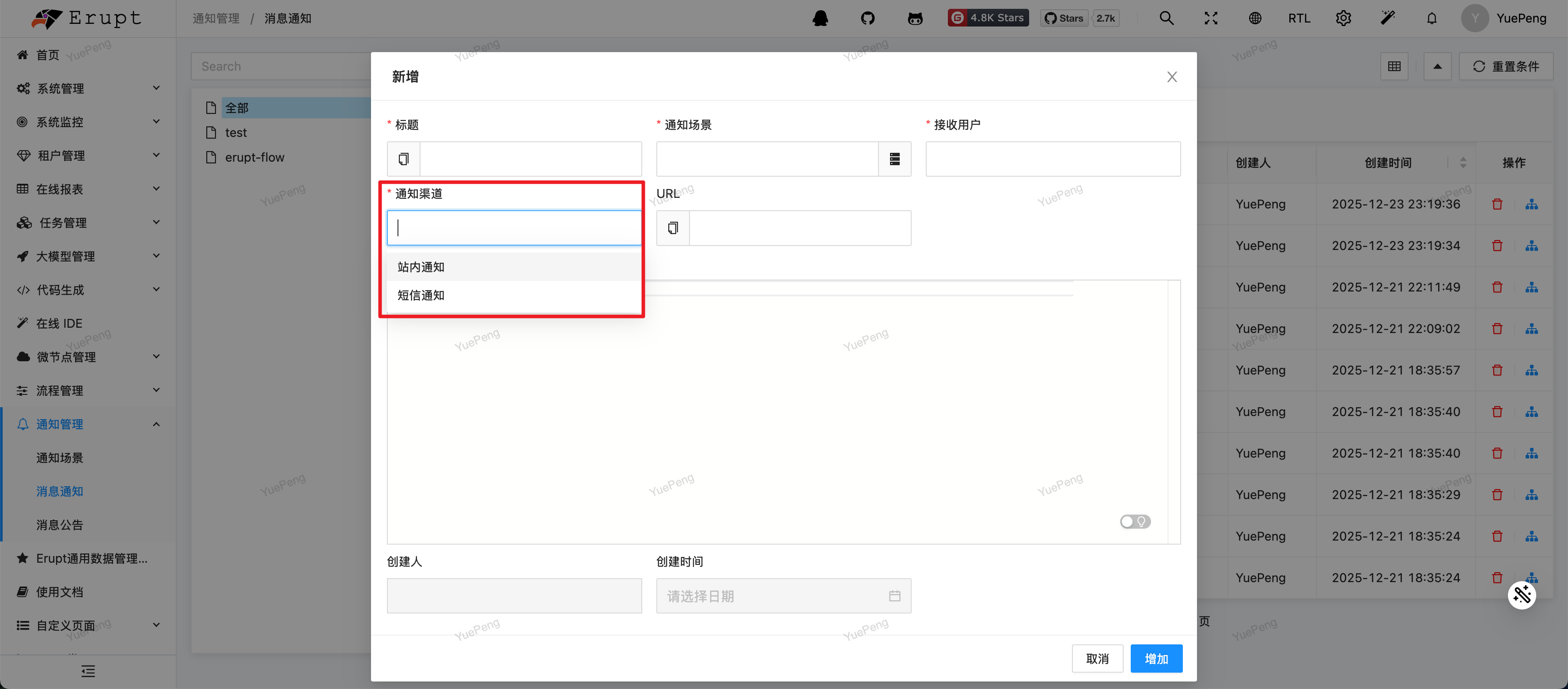
Extend the abstract class AbstractNoticeChannel to register a custom notification channel and simultaneously deliver notification content to platforms like Slack, Feishu, SMS, etc.:
import xyz.erupt.notice.channel.AbstractNoticeChannel;
import xyz.erupt.notice.pojo.NoticeMessage;
import xyz.erupt.upms.model.EruptUser;

@Component
public class SlackNoticeChannel extends AbstractNoticeChannel {

    // Display name of the channel
    @Override
    public String name() {
        return "Slack";
    }

    // Called once per recipient
    @Override
    public void send(EruptUser receiveUser, NoticeMessage noticeMessage) {
        // Call the Slack API with noticeMessage.getTitle() / getContent()
    }
}
Channel code and ordering
code()returns the classSimpleNameby default (e.g.SlackNoticeChannel). That value is the channel code used in notice scene configuration and insend(...). Override it if you need a custom code.- Override
order()to control the position of the channel in the list — lower values come first. - Channel instances register themselves into
AbstractNoticeChannel.getHandlers()in the constructor, so declaring the class as a Spring Bean is enough.
Contributors
 YuePeng
 Claude Opus 5 (1M context)