
快速开始
三步完成 erupt-flow 接入:编译源码 → 引入依赖 → 启动项目。
1. 编译源代码,发布到本地仓库
拉取 erupt-flow 源代码:https://github.com/erupt-io/erupt-flow
切换 tag 到与项目 erupt 一致的版本:https://github.com/erupt-io/erupt-flow/tags
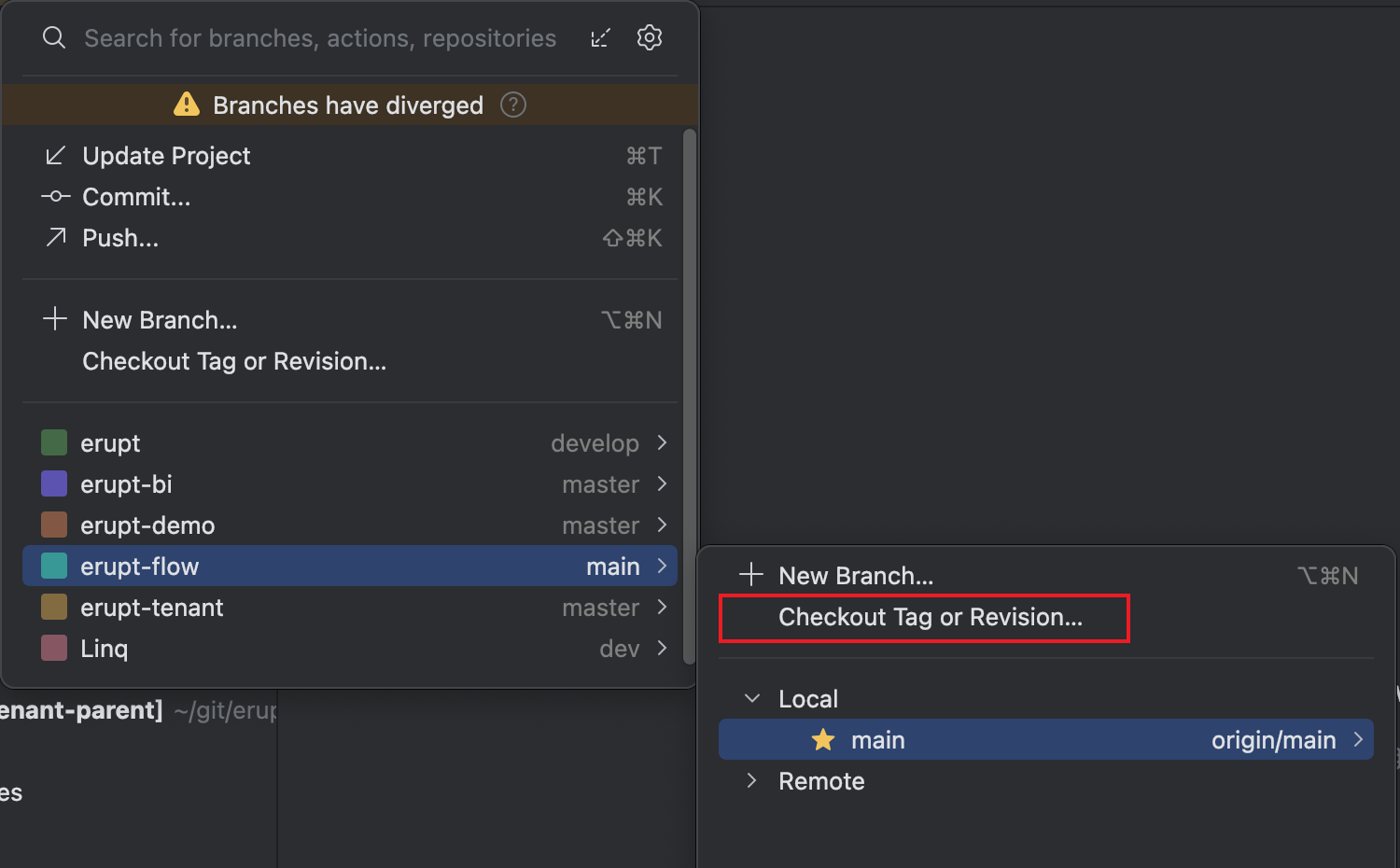
在项目根目录下执行如下 maven 命令,发布到本地中央仓库或私服:
bash
mvn -D skipTests=true install2. 引入依赖
在 erupt 项目中加入此依赖:
xml
<dependency>
    <groupId>xyz.erupt</groupId>
    <artifactId>erupt-flow</artifactId>
    <version>${erupt.version}</version>
</dependency>
3. 启动项目
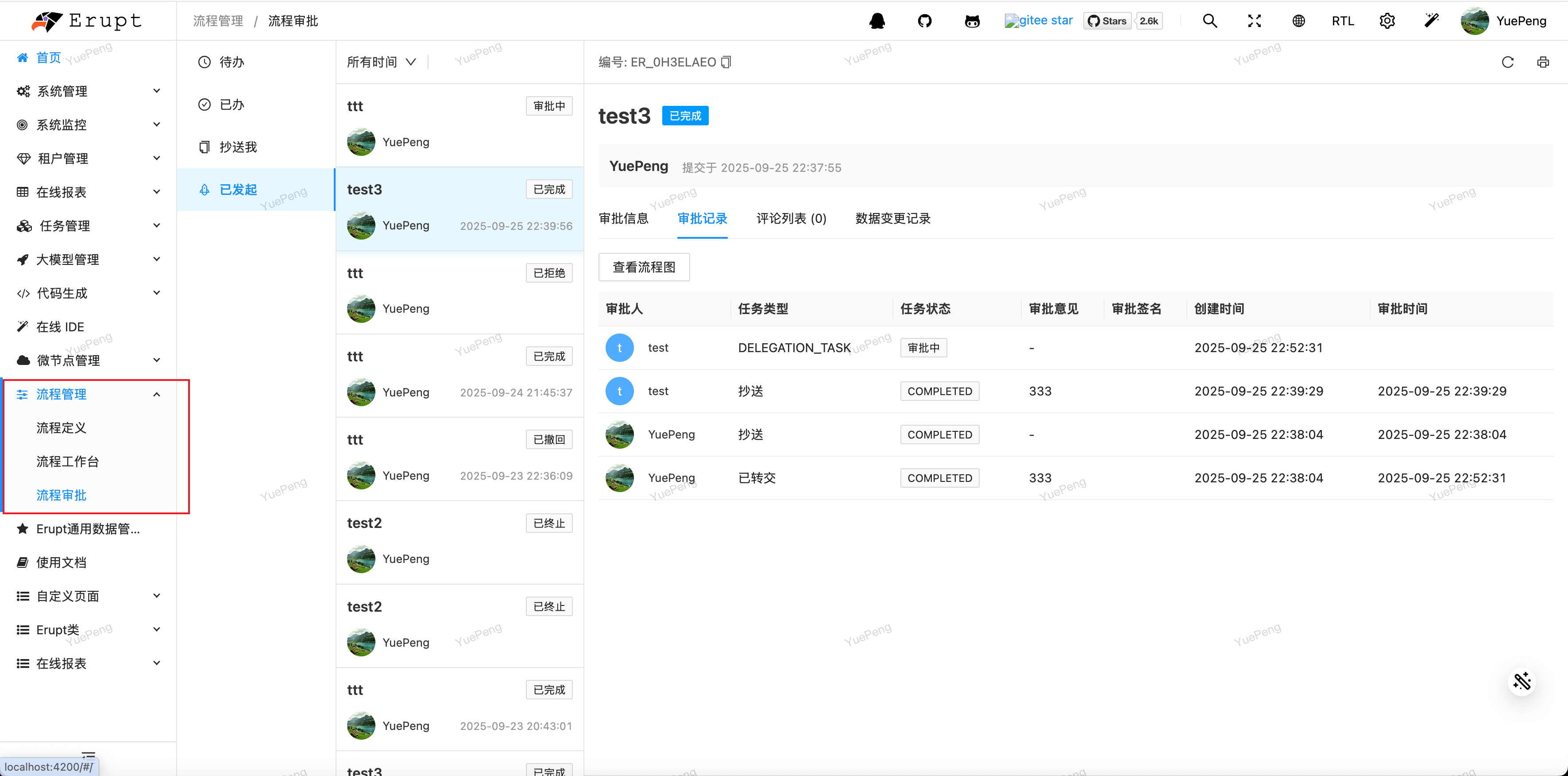
重新登录超管账号,即可看到流程管理菜单:
可配置项
yaml
erupt:
  flow:
    scheduler-cron: '0 */2 * * * ?' # 调度频率,用于调度流程流转
enable-scheduler: true # 是否开启调度贡献者
 YuePeng
 Claude Fable 5.1