
Erupt Print Module
erupt-print provides HTML template-based printing capabilities. It supports configuring template variables that are dynamically populated with business data to generate printable documents or reports.
Added in 2.0.0: erupt-print now supports Erupt entities directly — define print templates and variables for any Erupt table, then print any row with a single click. It is no longer limited to erupt-flow workflow documents.
Adding the Dependency
xml
<dependency>
  <groupId>xyz.erupt</groupId>
  <artifactId>erupt-print</artifactId>
  <version>${erupt.version}</version>
</dependency>
Core Concepts
| Concept | Description |
|---|---|
| Print template | An HTML template editable in the management UI |
| Template variable | Placeholders defined in the template, replaced at runtime with Erupt entity field values |
| Print trigger | One-click print from the row action column — fills the template with the current row's data |
Workflow
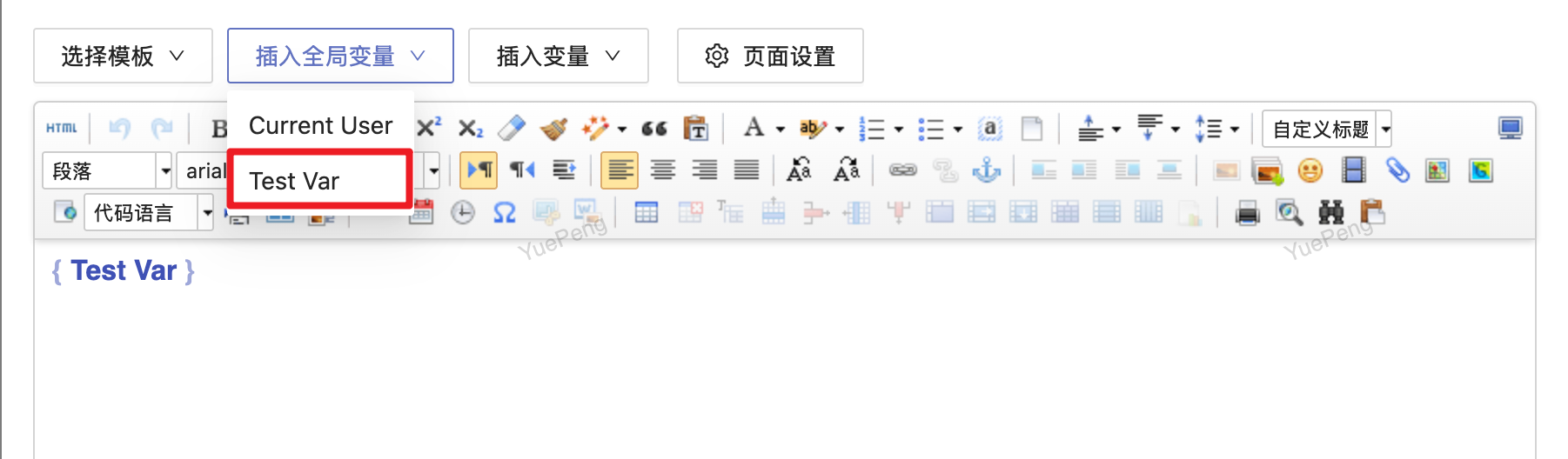
- Define a template: Create a new template under the "Print Templates" menu and write the HTML layout.
- Configure variables: Insert variable placeholders in the template and bind them to Erupt entity field names.
- Associate with an Erupt: Link the template to the target Erupt entity.
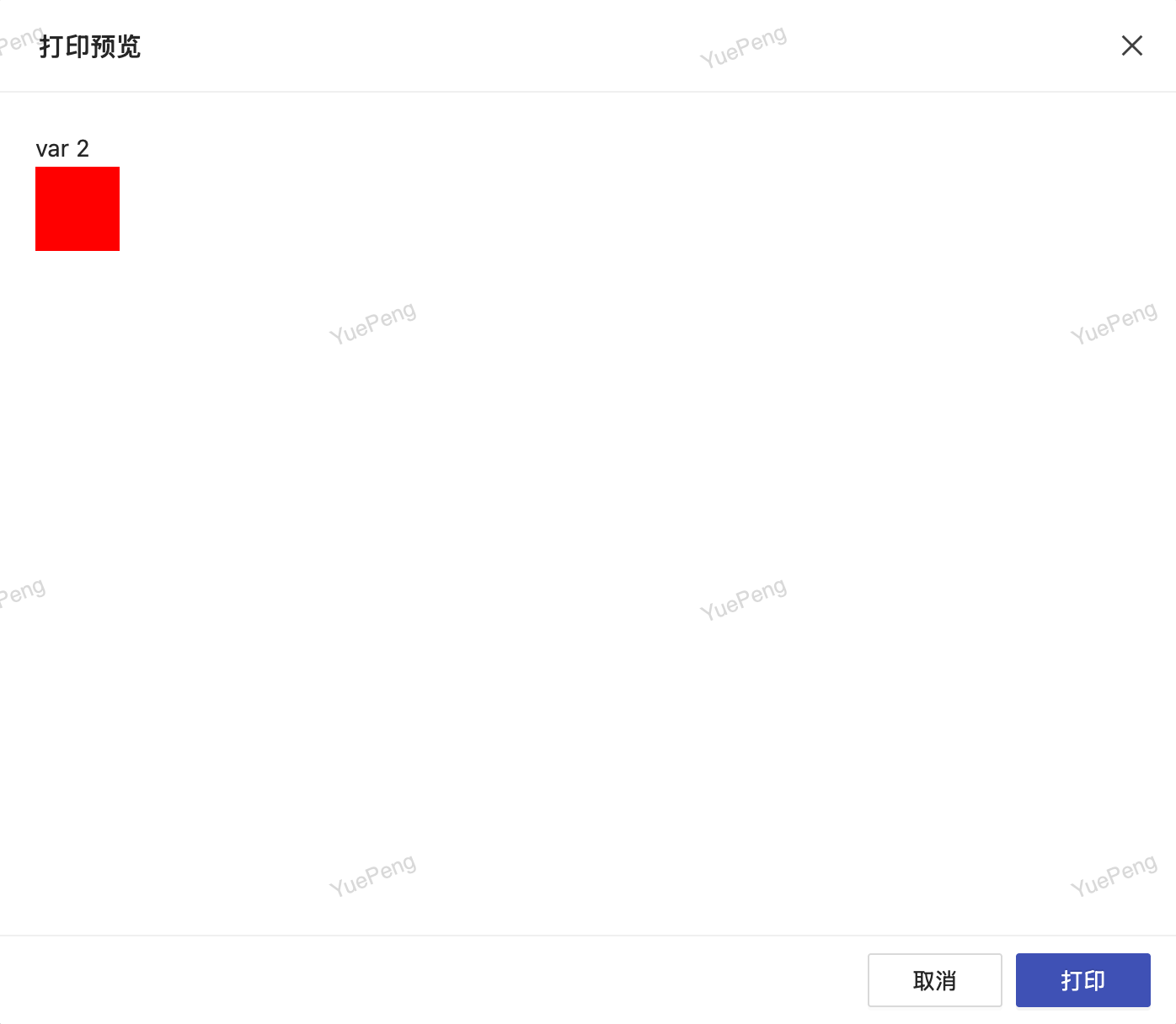
- Trigger printing: Click the print button on a table row — the system fills in the variables and opens the print preview.
Template Variable Configuration
Define variables in the print template; values are dynamically populated from Erupt entity fields or workflow business data:
Print Result
Contributors
 YuePeng
 Claude Opus 5 (1M context)