
Expose Erupt as an MCP Server
Expose erupt's own AI Tools as an MCP Server so Cursor, Claude Code, VS Code and other clients can connect directly and read or write erupt entity data in natural language.
For the other direction — mounting external MCP Servers into erupt — see Connect External MCP Servers.
- Enable the MCP configuration in
application.yml:
yaml
erupt:
  ai:
    mcp:
      # Whether to enable the built-in MCP Server (default: false)
      server-enabled: true
      # MCP Server name, default erupt-mcp
      name: erupt-mcp
      # MCP Server description (optional)
description:- Add the MCP configuration in Claude Code / Cursor / VS Code:
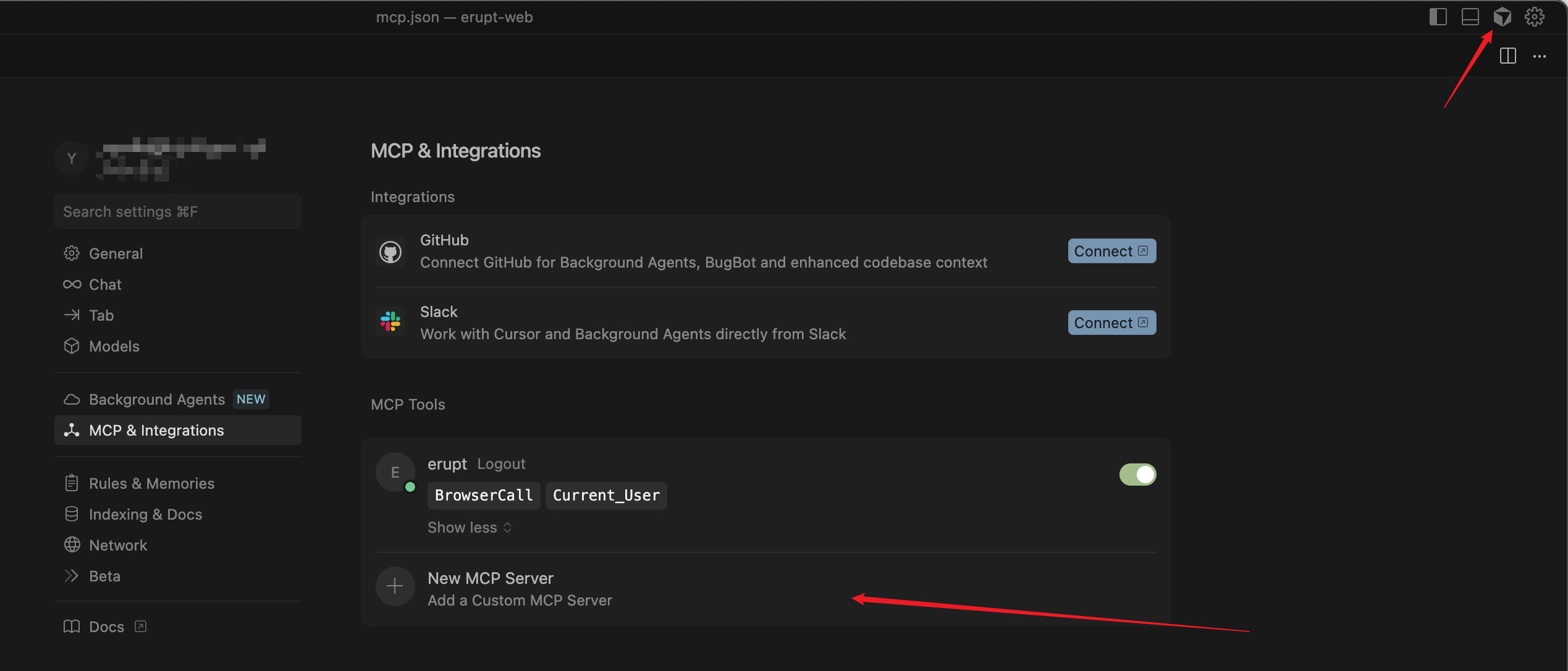
json
{
  "mcpServers": {
    "erupt": {
      "type": "sse",
      "url": "http://localhost:9999/mcp/sse",
      "headers": {
        "Authorization": "Bearer {{your secret}}"
      }
    }
  }
}
Endpoints
The SSE endpoint is /mcp/sse; the JSON-RPC message endpoint is /mcp (POST). If your client appends /sse automatically, http://localhost:9999/mcp also works.
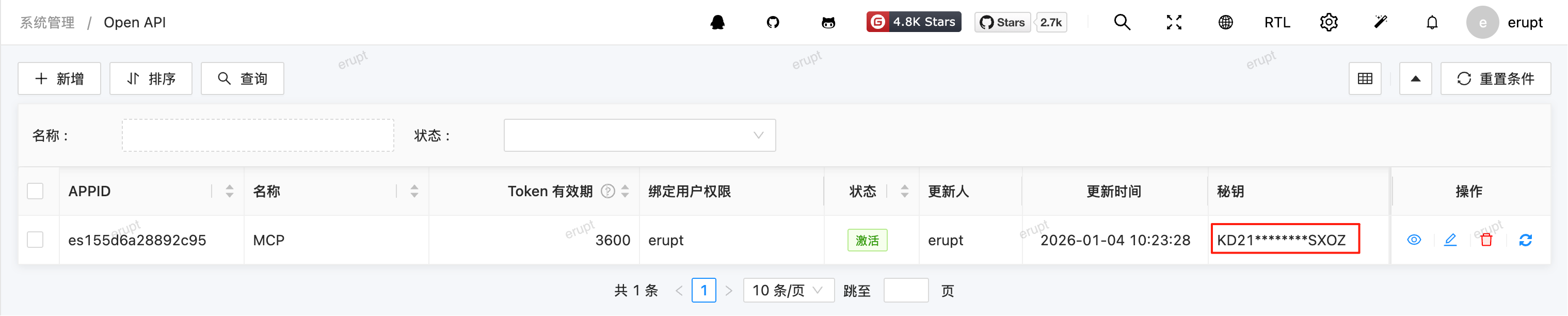
The Authorization value can be generated from the Open API menu — it corresponds to the "Secret Key" column. Keep it safe and do not expose it.
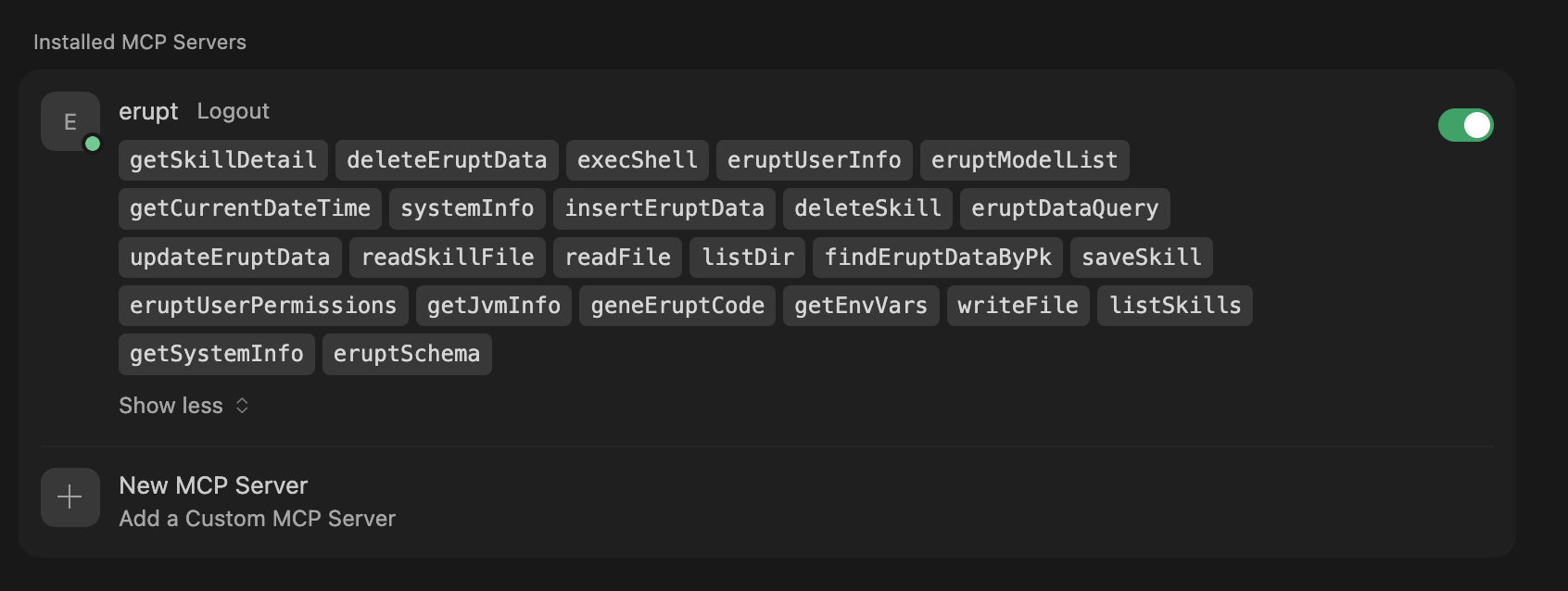
- Connection successful:
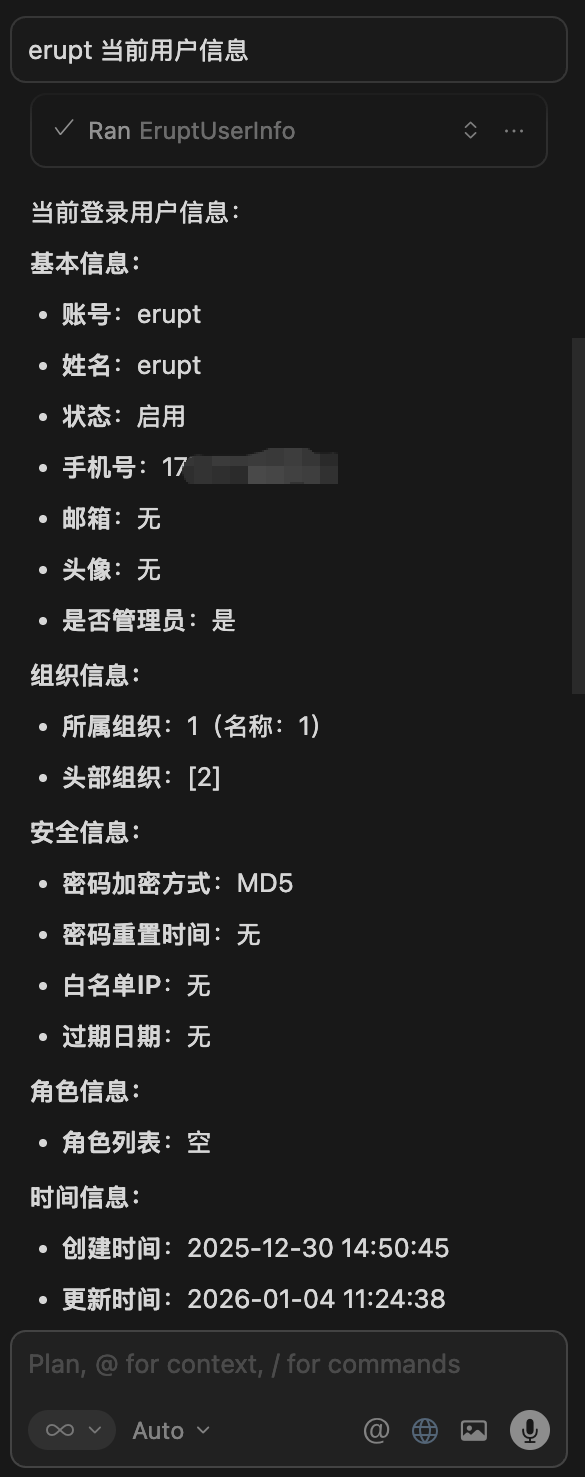
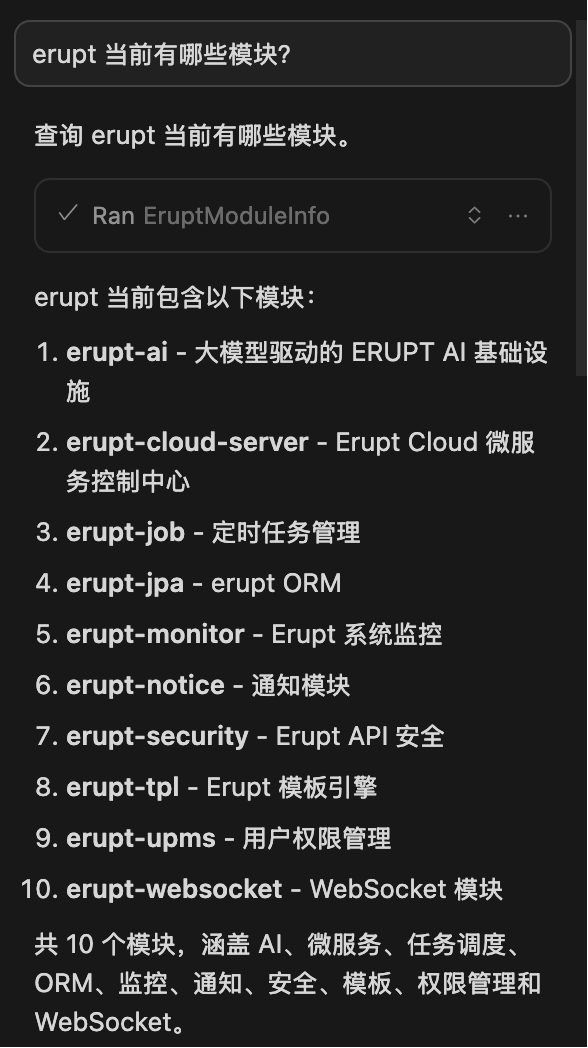
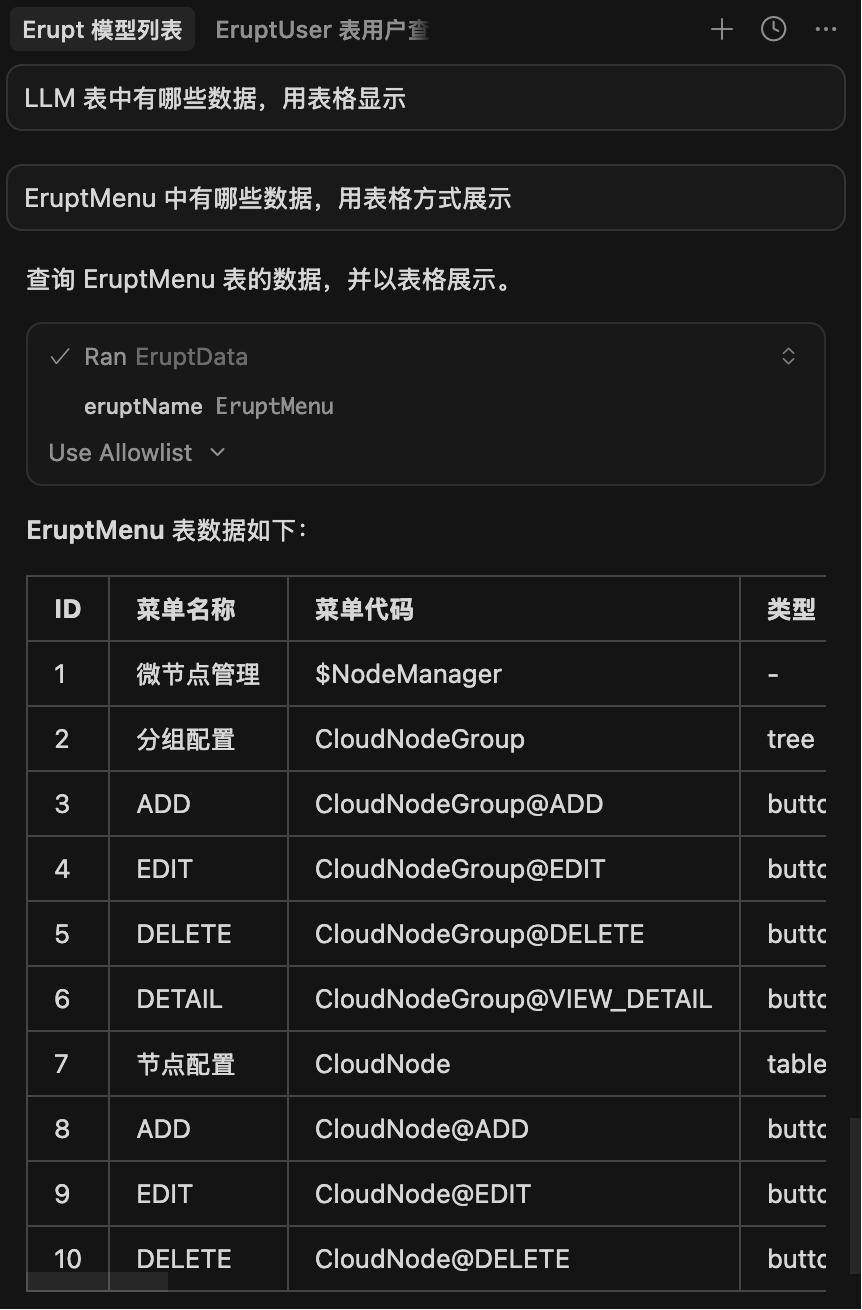
- Cursor interaction demo:
Contributors
 YuePeng
 Claude Opus 5 (1M context)