
UI Component Kits
erupt-tpl-ui packages several mainstream frontend component libraries as Spring Boot static resource modules. Add the dependency and reference the files from your template with <script> and <link>; no separate frontend build is needed. There is no aggregate artifact — add the coordinate you need:
<!-- Ant Design Vue -->
<dependency>
  <groupId>xyz.erupt</groupId>
  <artifactId>erupt-tpl-ui.ant-design</artifactId>
  <version>${erupt.version}</version>
</dependency>

<!-- Element UI -->
<dependency>
  <groupId>xyz.erupt</groupId>
  <artifactId>erupt-tpl-ui.element-ui</artifactId>
  <version>${erupt.version}</version>
</dependency>

<!-- Element Plus -->
<dependency>
  <groupId>xyz.erupt</groupId>
  <artifactId>erupt-tpl-ui.element-plus</artifactId>
  <version>${erupt.version}</version>
</dependency>
Asset Paths
Each package serves its files from a directory named after itself under the application root. Declare <base href="${base}/"> in the template <head> first, and every relative path after it resolves against the correct contextPath:
| Coordinate | Directory | Main files |
|---|---|---|
erupt-tpl-ui.ant-design | /ant-design/ | vue.min.js (Vue 2), antd.min.js, antd.min.css, moment.min.js, axios.min.js |
erupt-tpl-ui.element-ui | /element/ | vue.min.js (Vue 2), element.min.js, element.min.css, axios.min.js, fonts/ icon fonts |
erupt-tpl-ui.element-plus | /element-plus/ | vue3.js (includes the runtime template compiler), element.min.js, element.min.css, element-icons.min.js, axios.min.js |
Ant Design Vue
<!DOCTYPE html>
<html>
<head>
    <base href="${base}/">
    <meta charset="utf-8">
    <link href="ant-design/antd.min.css" rel="stylesheet">
</head>
<body>
<div id="app">
    <a-result status="success" title="Done"></a-result>
</div>
<script src="ant-design/vue.min.js"></script>
<script src="ant-design/antd.min.js"></script>
<script>
    new Vue({el: '#app'});
</script>
</body>
</html>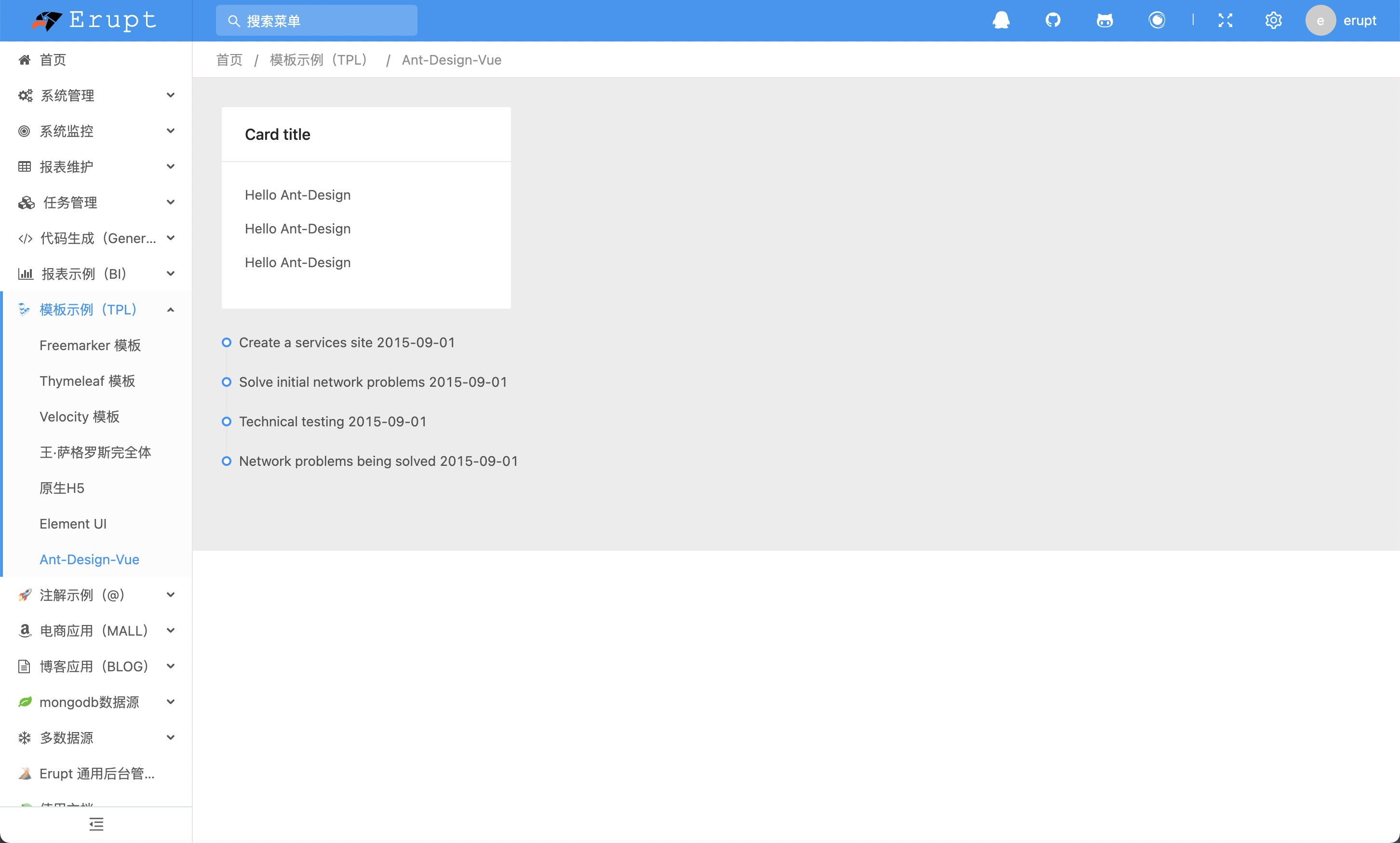
Element Plus
The Element Plus package is built on Vue 3. vue3.js is the full build with the runtime template compiler, so templates can be written directly in the HTML:
<!DOCTYPE html>
<html>
<head>
    <base href="${base}/">
    <meta charset="utf-8">
    <link href="element-plus/element.min.css" rel="stylesheet">
</head>
<body>
<div id="app">
    <el-card>
        <el-button type="primary">Button</el-button>
    </el-card>
</div>
<script src="element-plus/vue3.js"></script>
<script src="element-plus/element.min.js"></script>
<script src="element-plus/element-icons.min.js"></script>
<script>
    const app = Vue.createApp({});
    app.use(ElementPlus);
    for (const [name, comp] of Object.entries(ElementPlusIconsVue)) {
        app.component(name, comp);
    }
    app.mount('#app');
</script>
</body>
</html>
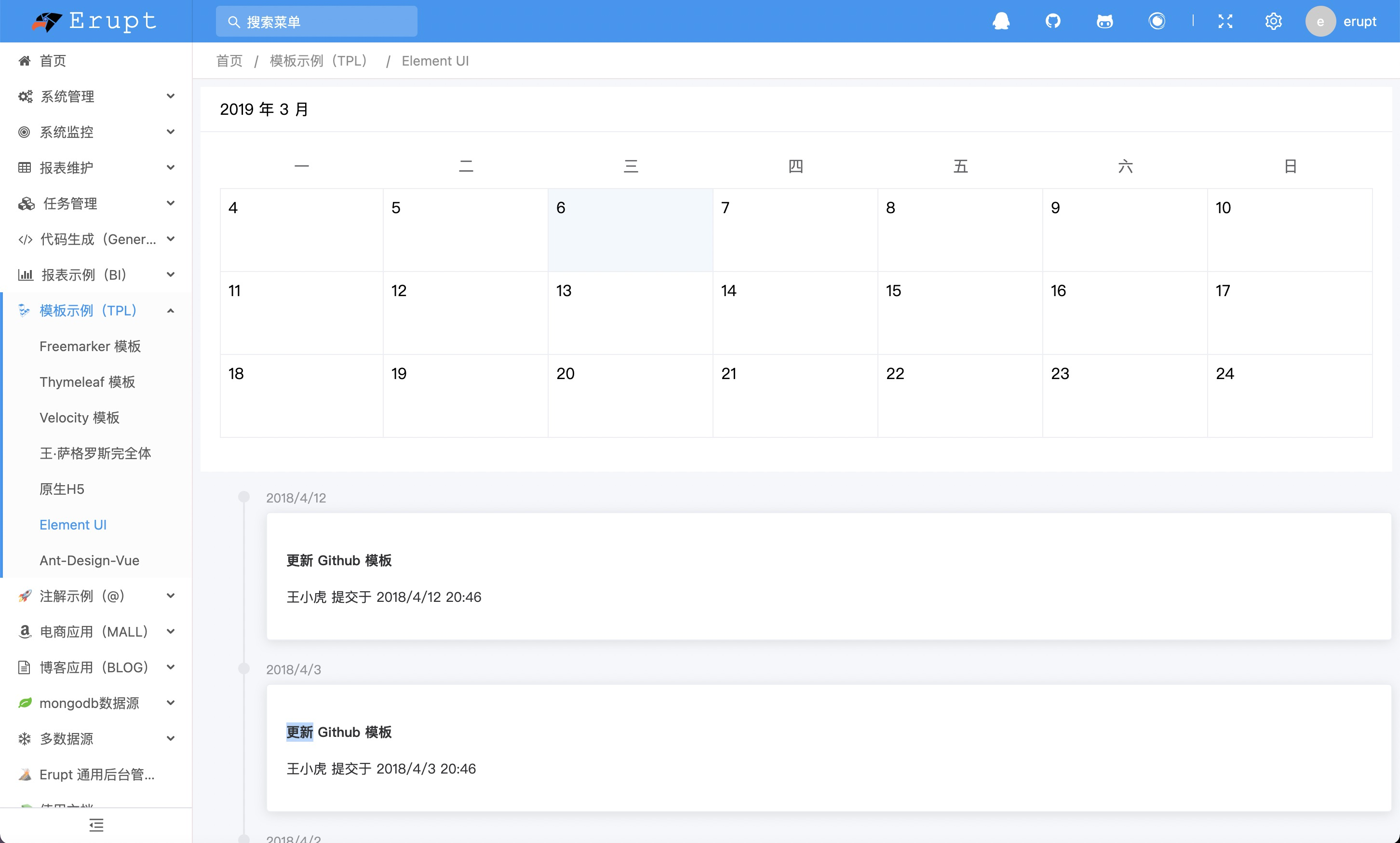
The Element UI package (Vue 2) works the same way as Ant Design Vue; just switch the directory to element/.
Relationship to the admin theme
These kits render only the template's own area and do not change the look of the Erupt admin. The page is still wrapped by Erupt's layout and theme; only the content region is handed to your template.
Contributors
 YuePeng
 Claude Fable 5.1