
Micro-Frontend Integration
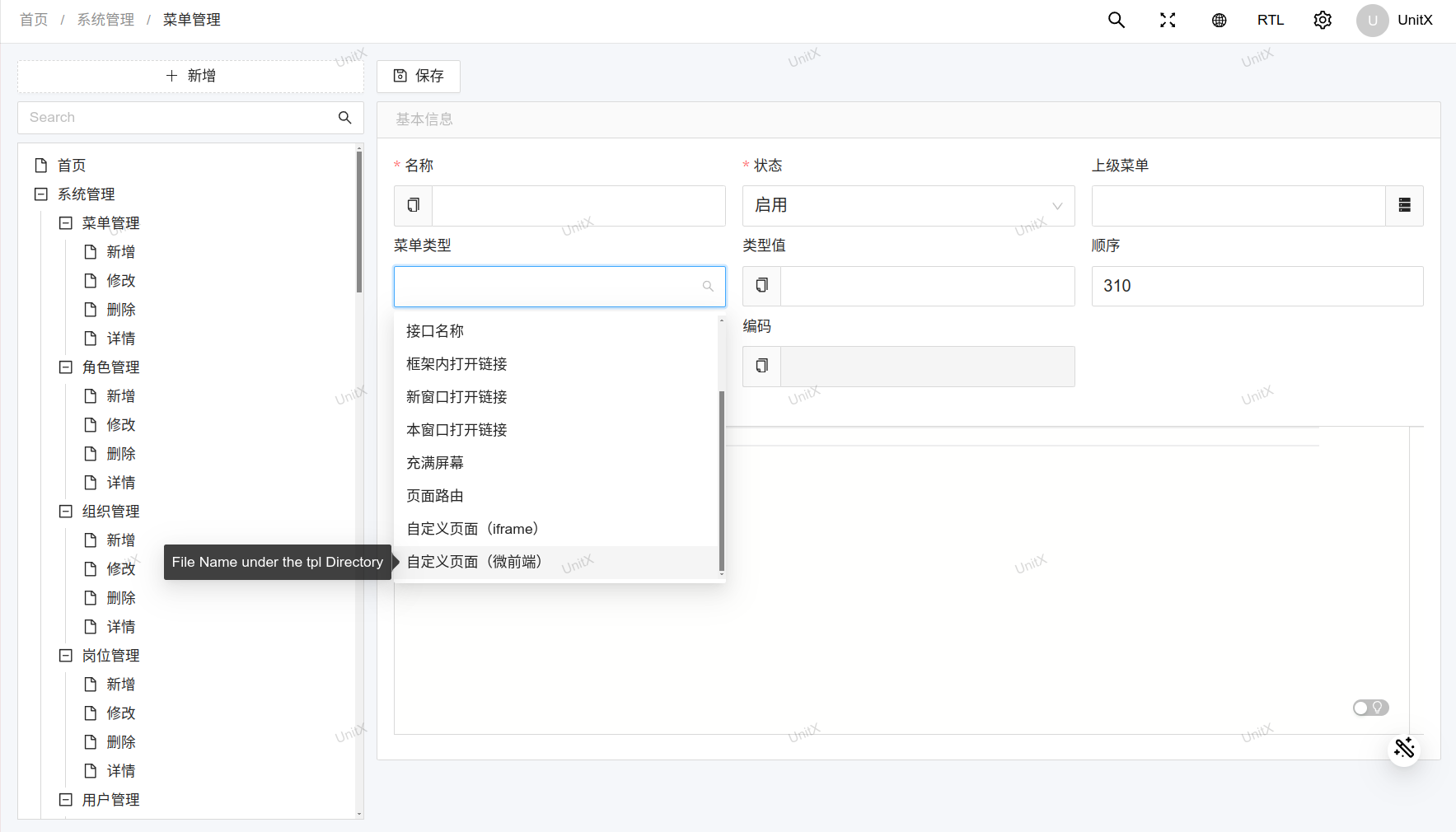
The micro-frontend mode (menu type mtpl) does not use an iframe. It fetches the sub-app's HTML, CSS and JS and renders them directly inside the host document. That avoids iframe height and scrollbar problems, switches faster, and blends visually with the admin shell:
The Sub-App Must Be a Complete HTML Document
The micro-frontend container parses the HTML it fetches and requires at least a <head>. A bare fragment will not work:
<!-- Wrong: no head, renders blank -->
<h1>Hello</h1><!-- Correct -->
<!DOCTYPE html>
<html lang="en">
<head>
<meta charset="utf-8">
<title>Custom Page</title>
</head>
<body>
<h1>Hello</h1>
</body>
</html>When this is not met the browser console prints [micro-app] app xxx: element head is missing and the page area stays blank. The iframe mode has no such requirement — fragments render fine.
Sandbox Mode
Erupt always uses micro-app's iframe sandbox: the sub-app's DOM renders inside the host document, while its JavaScript executes in a hidden same-origin iframe that gives it a real, separate JS global.
micro-app's default sandbox is not used because it wraps sub-app scripts in with(proxyWindow){ ... } and runs them in the host window, and a type="module" script cannot be wrapped that way. micro-app's own source says as much: under ESM the proxyWindow does not take effect. A Vite-built sub-app therefore either fails to mount outright (typically with process is not defined in the console) or runs with no isolation at all.
This is not a security boundary
The sandbox iframe must be same-origin with the host for the host to script it, which means the sub-app's JavaScript runs on your admin's origin: its localStorage, sessionStorage and cookies all land under the admin domain, it can read the admin's login credentials, and multiple sub-apps share one storage.
Use the micro frontend only for sub-apps your own team controls. To embed a third-party page use the iframe menu type, where the browser enforces cross-origin isolation.
What It Supports
| Sub-app shape | Micro frontend | Iframe |
|---|---|---|
| Server-rendered template page (Freemarker, Thymeleaf, plain HTML) | Yes | Yes |
| Traditionally bundled SPA (webpack and other non-ESM output) | Yes | Yes |
| Modern SPA built with Vite / ESM output | Yes | Yes |
| Framework with SSR streaming hydration (Next.js, TanStack Start, …) | No | Yes |
| Third-party site you do not control | Do not | Depends on their headers |
With SSR streaming hydration the server HTML and the hydration bootstrap scripts are one unit; the micro frontend extracts the scripts and runs them separately, hydration never completes, and the page structure appears but renders nothing. Those sub-apps must use the iframe.
Container Behaviour
- Keep-alive: switching tabs does not unmount the sub-app; coming back restores it instead of reloading.
- Multiple instances: the container's app name is derived from the sub-app URL, so several micro-frontend menus can be open at once without colliding.
- Visible failures: when a sub-app fails to load an error is shown rather than a blank page.
Which one to pick
If the sub-app is yours, use the micro frontend: height adapts naturally, its dialogs are not clipped by a frame, and switching tabs does not reload it. If the sub-app is not fully trusted, or is an SSR streaming framework, use the iframe.
Micro Frontend in Annotation Scenarios
Dialogs opened through the @Tpl annotation can also render in micro-frontend mode, with the same requirements as here: the template must be a complete HTML document, and the same-origin sandbox is not a security boundary. See @Tpl Custom Template for the attributes.
Contributors
 YuePeng
 Claude Fable 5.1