
Chat Workbench
erupt-ai ships a complete chat workbench: Markdown, code, Mermaid and math render live, images can be attached, models switched mid-conversation, and tool calls and agent orchestration happen automatically inside the dialogue.
Immersive AI Conversation
TIP
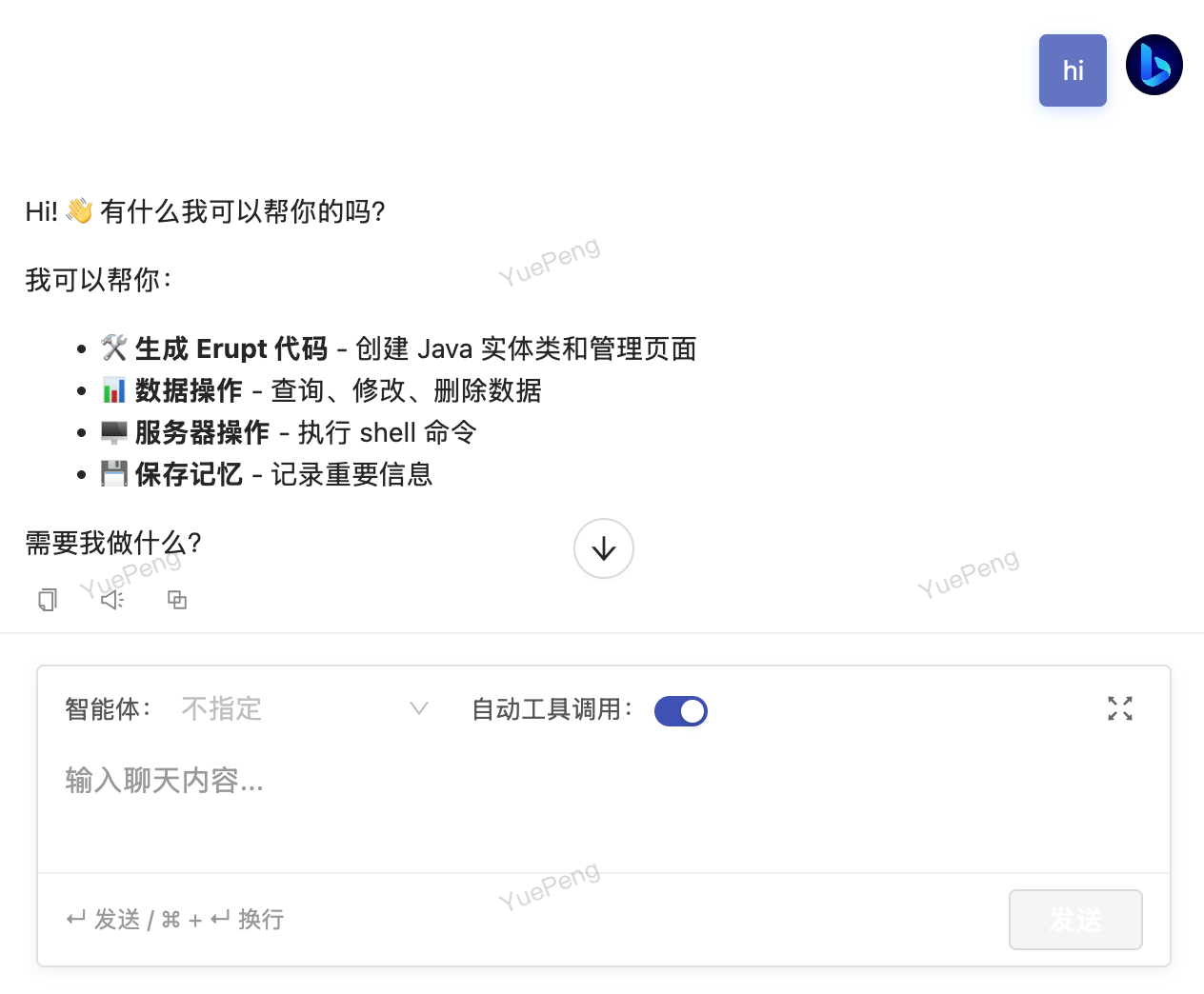
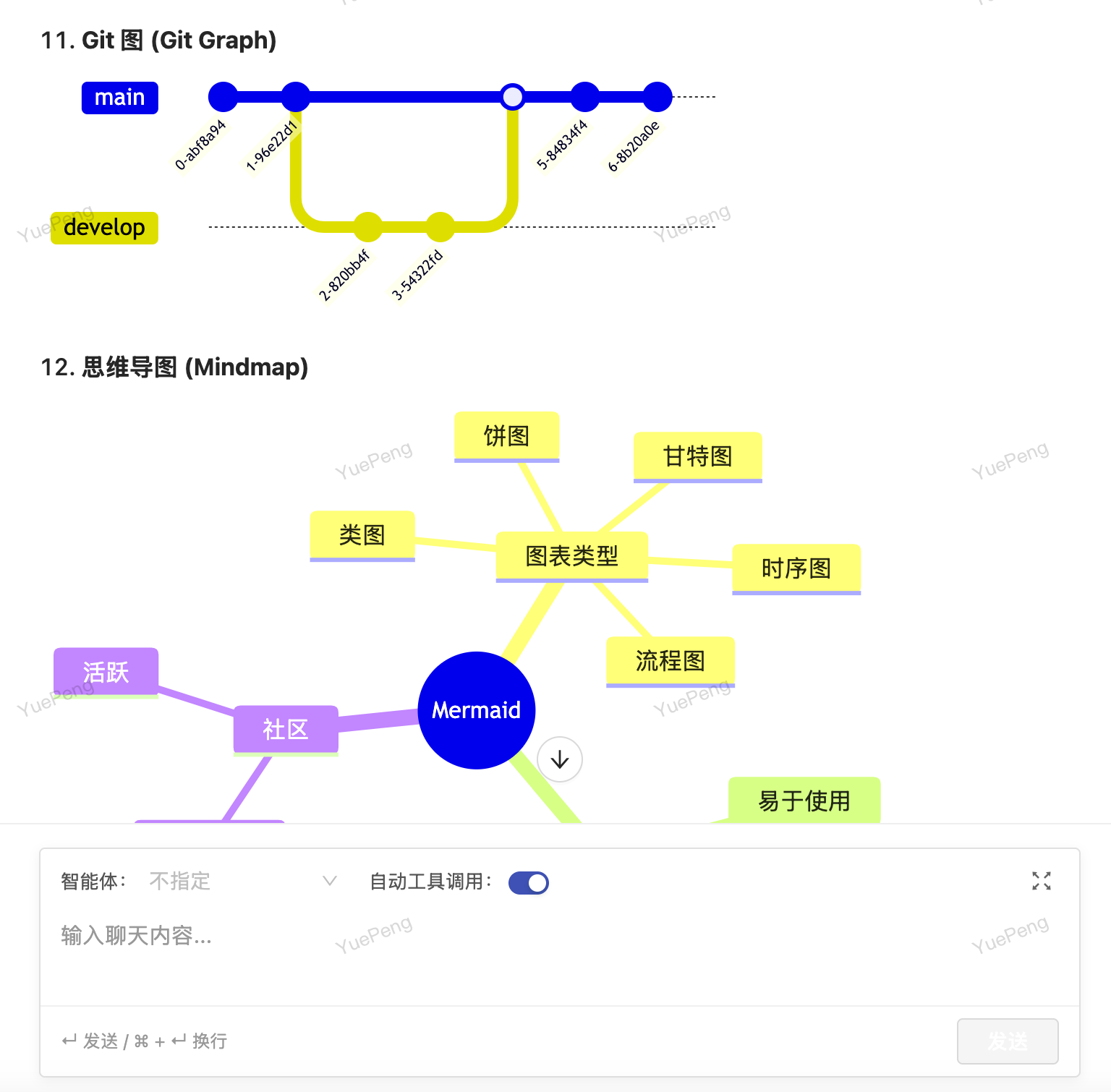
Converse naturally with large language models in a what-you-see-is-what-you-get interface — code highlighting, Mermaid diagrams, and mathematical formulas render in real time. Supports automatic tool invocation and agent orchestration, letting every interaction reach the true capability boundary of AI.
Chats are listed on the left, renamable, deletable and searchable. A bar along the bottom keeps the model, the expert and the Auto tool call switch within reach — which model answers this turn, in what persona, and whether it may call tools on its own.
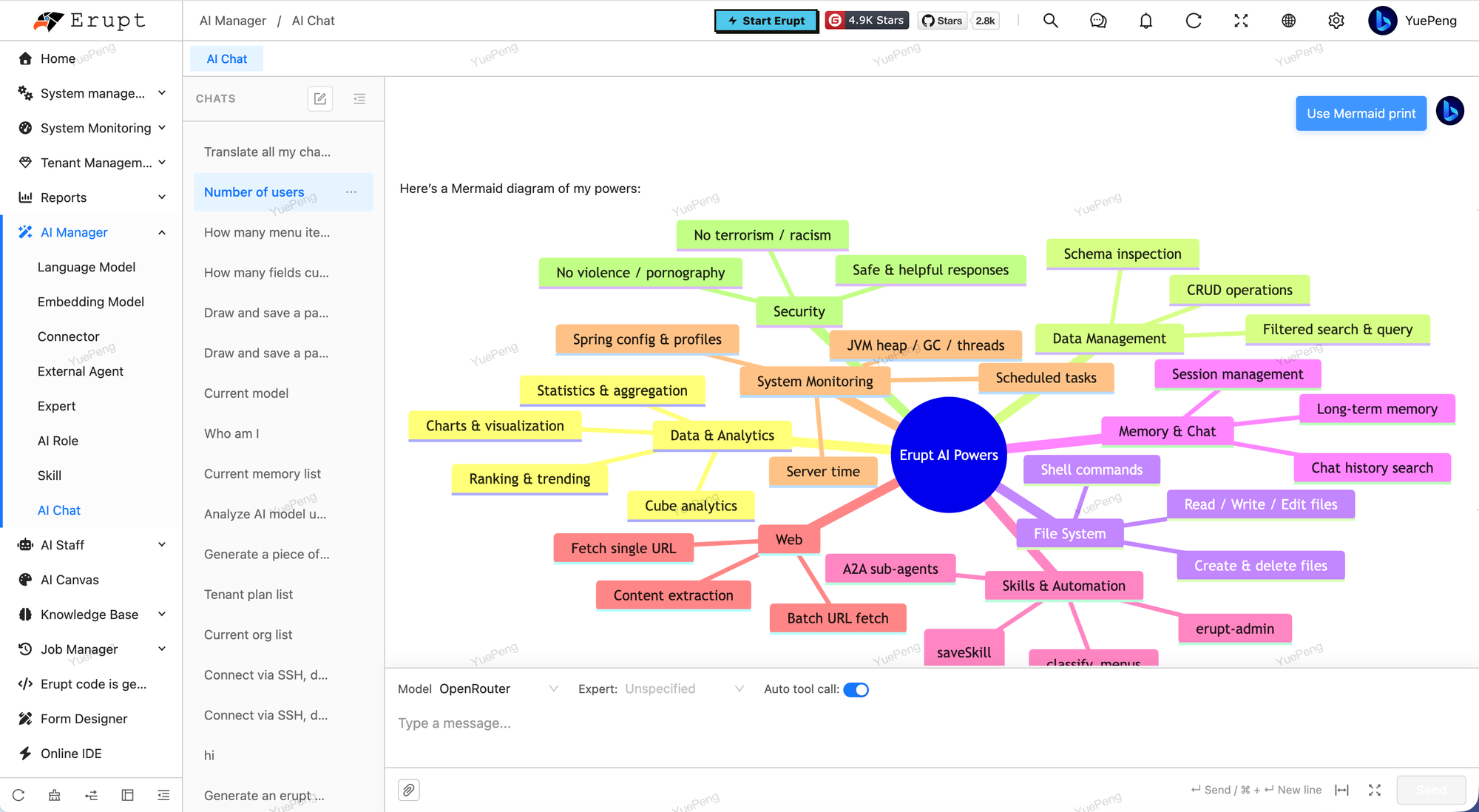
Code highlighting and math render live too:
Multimodal Conversation v2.2.0+
The chat input accepts images alongside text, so screenshots, scanned documents and UI mockups no longer have to be transcribed into words first.
| Capability | Detail |
|---|---|
| Attaching | The paper-clip button, or Ctrl/Cmd + V to paste straight from the clipboard |
| Preview | Thumbnails before sending, click to zoom |
| Storage | Uploaded through POST /ai/chat/upload-image via EruptFileService, image extensions only; the path array is persisted on e_ai_chat_message.images |
| History context | Images are resolved to base64 again when the conversation context is rebuilt, so follow-up questions still see them |
| Regenerate / edit-resend | Carry the original attachments along |
| Remote attachments | Both local files and remote ones served by an AttachmentProxy are resolved |
The model itself must support vision
A multimodal request takes a List<Content> path that bypasses prompt templating, used only when a message actually carries images. A model without vision capability will have the request rejected by its provider — pick a vision-capable one in LLM management.
Model picker
A model dropdown sits in the input toolbar for switching models mid-conversation. It appears only when more than one enabled model exists, and is hidden when the model is pinned through ?llm= (model test), so locked models never surface. The list comes from GET /ai/chat/llms and carries no credentials.
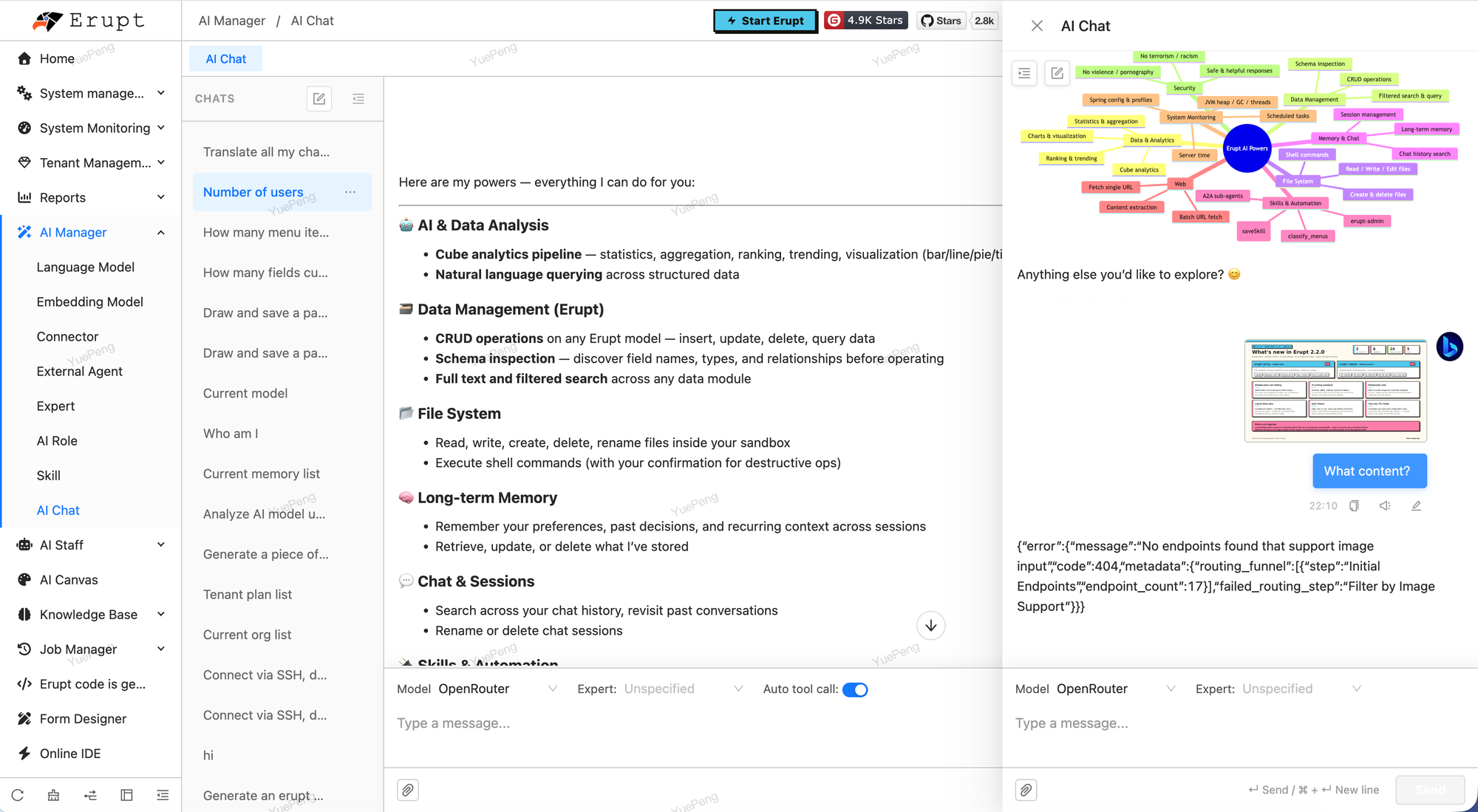
The chat is not confined to the AI Chat page: the panel opens on the right of any page, carrying that page's context, and uploaded images stay in the conversation as thumbnails.
Contributors
 YuePeng
 Claude Opus 5 (1M context)