
Build Custom Tools
Tools are the bridge between the AI and your business system: any Spring Bean method can be registered as a tool and invoked by intent during a conversation — querying data, triggering business logic, executing operations, all from one sentence.
Who may call which tool is decided by role, see Authorize Tools by Role.
Registering a tool
INFO
Use @AiToolbox + @Tool to register any Spring Bean method as an AI tool. The AI recognizes intent during a conversation and calls it, reaching deep into the running system.
For versions below 1.14.1, see: https://www.yuque.com/erupts/1.13.x/qsk71q5zyy3segr6_gxxnld#jA3q1
java
import dev.langchain4j.agent.tool.P;
import dev.langchain4j.agent.tool.Tool;
import xyz.erupt.annotation.ai.AiToolbox;

/**
 * 1. Add the class annotation @AiToolbox
 * 2. Add the @Tool annotation to methods to expose; use @P for parameters
 **/
@AiToolbox
@Component
public class TestTools {

    @Tool("Quickly use the shell open command to help the user open a URL or file path")
    public String call(@P("Path information") String uri) {
        Runtime runtime = Runtime.getRuntime();
        try {
            runtime.exec("open " + uri);
            return "Opened: " + uri;
        } catch (IOException e) {
            throw new RuntimeException(e);
        }
    }

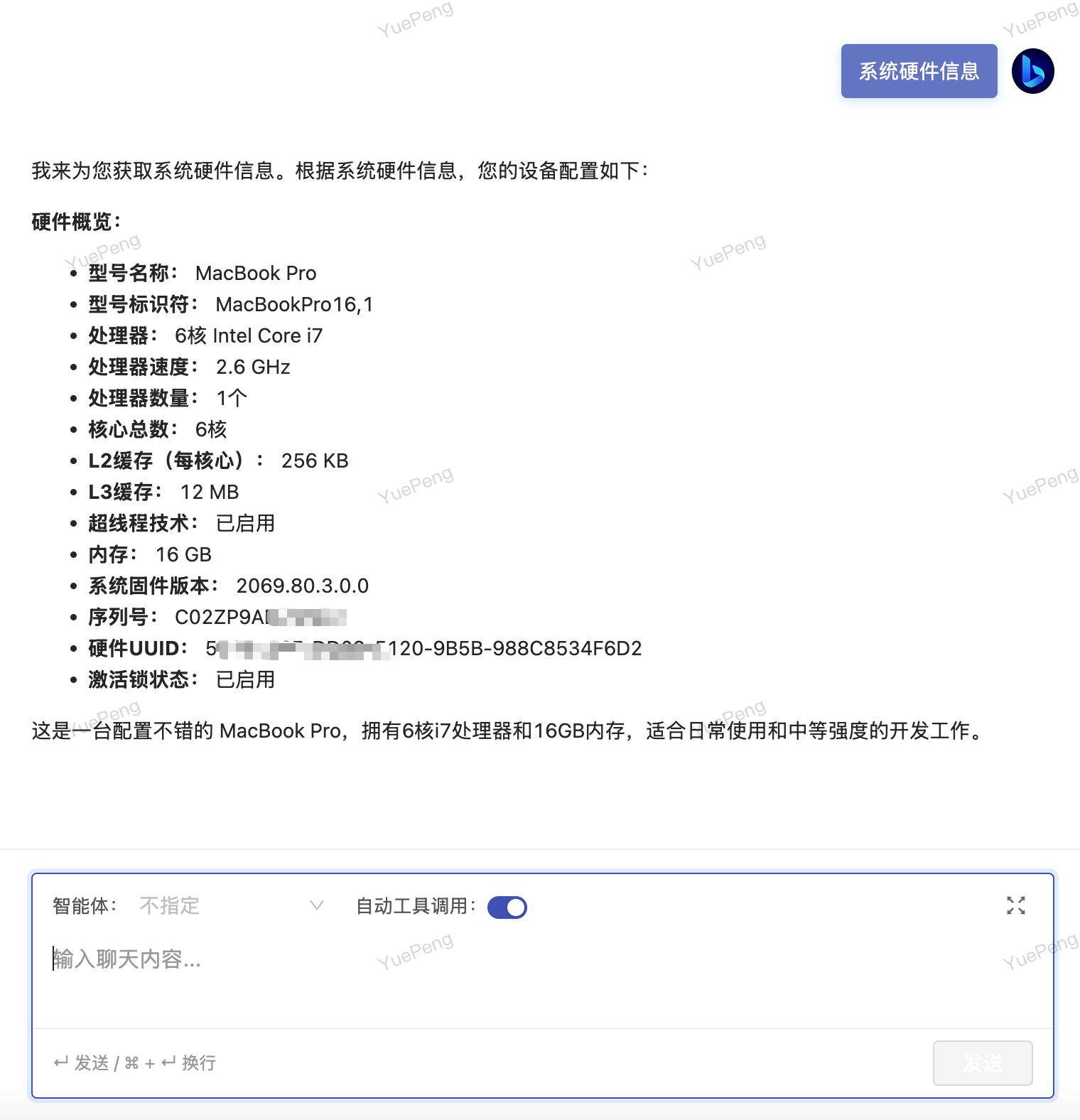
    @Tool("Current system hardware information")
    public String systemInfo() {
        try {
            Process process = Runtime.getRuntime().exec("system_profiler SPHardwareDataType");
            return String.join("\n",
                    new BufferedReader(new InputStreamReader(process.getInputStream()))
                            .lines().collect(Collectors.toList()));
        } catch (IOException e) {
            throw new RuntimeException(e);
        }
    }

}
Contributors
 YuePeng
 Claude Opus 5 (1M context)