
Publishing Reports
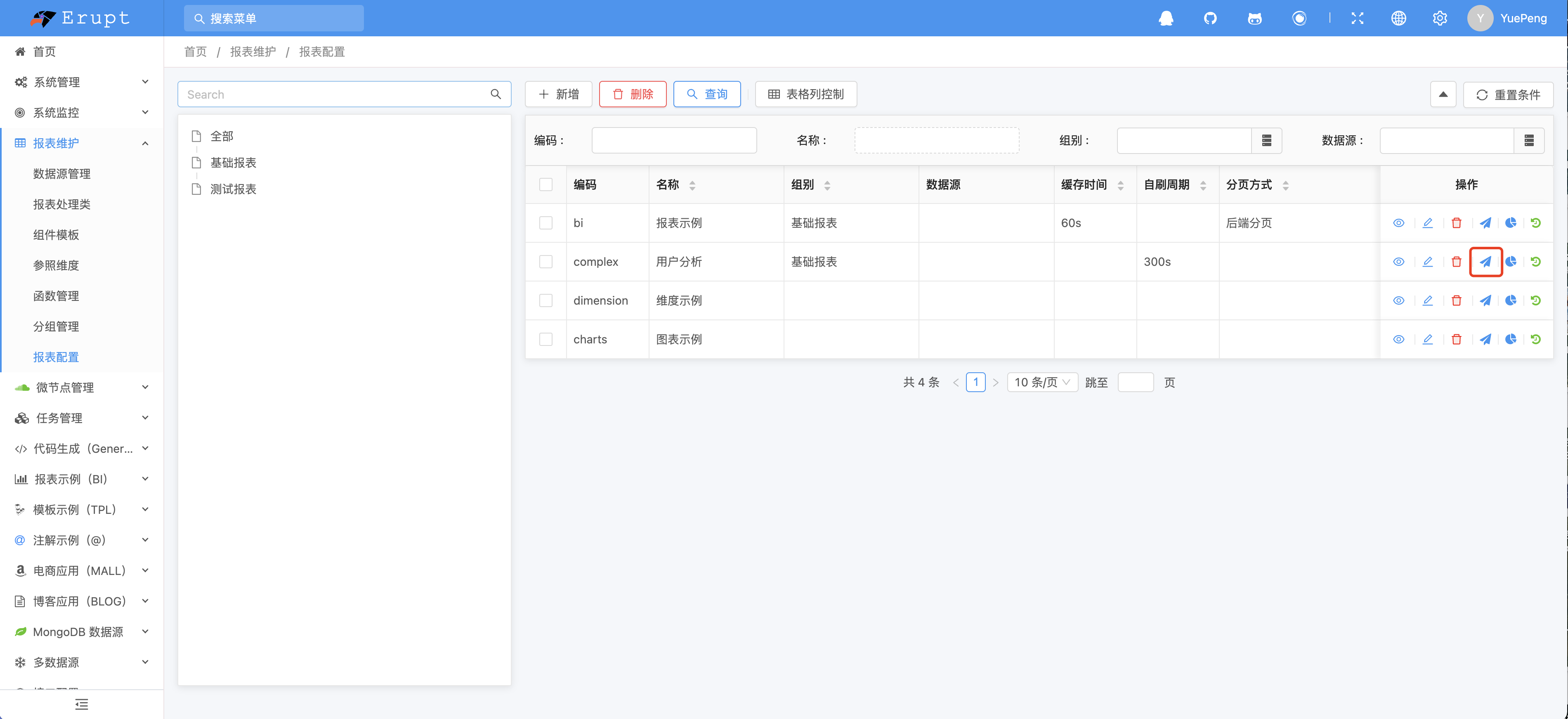
Go to Report Configuration and click the publish button.
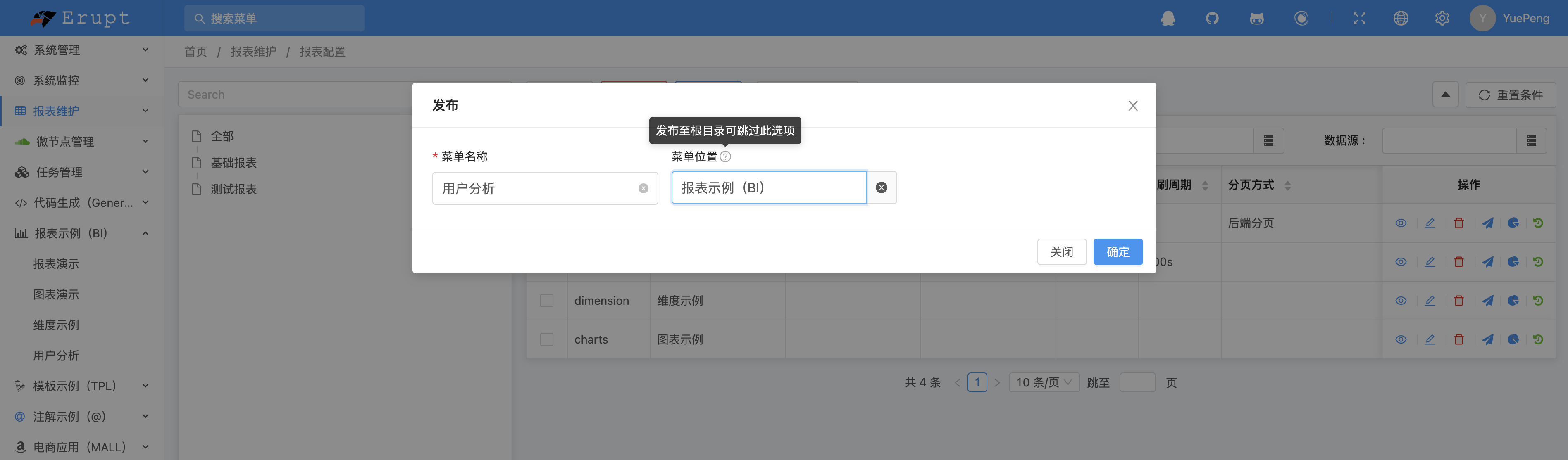
Enter the menu name, pick the menu location, and click OK (leave the location empty to publish to the root directory).
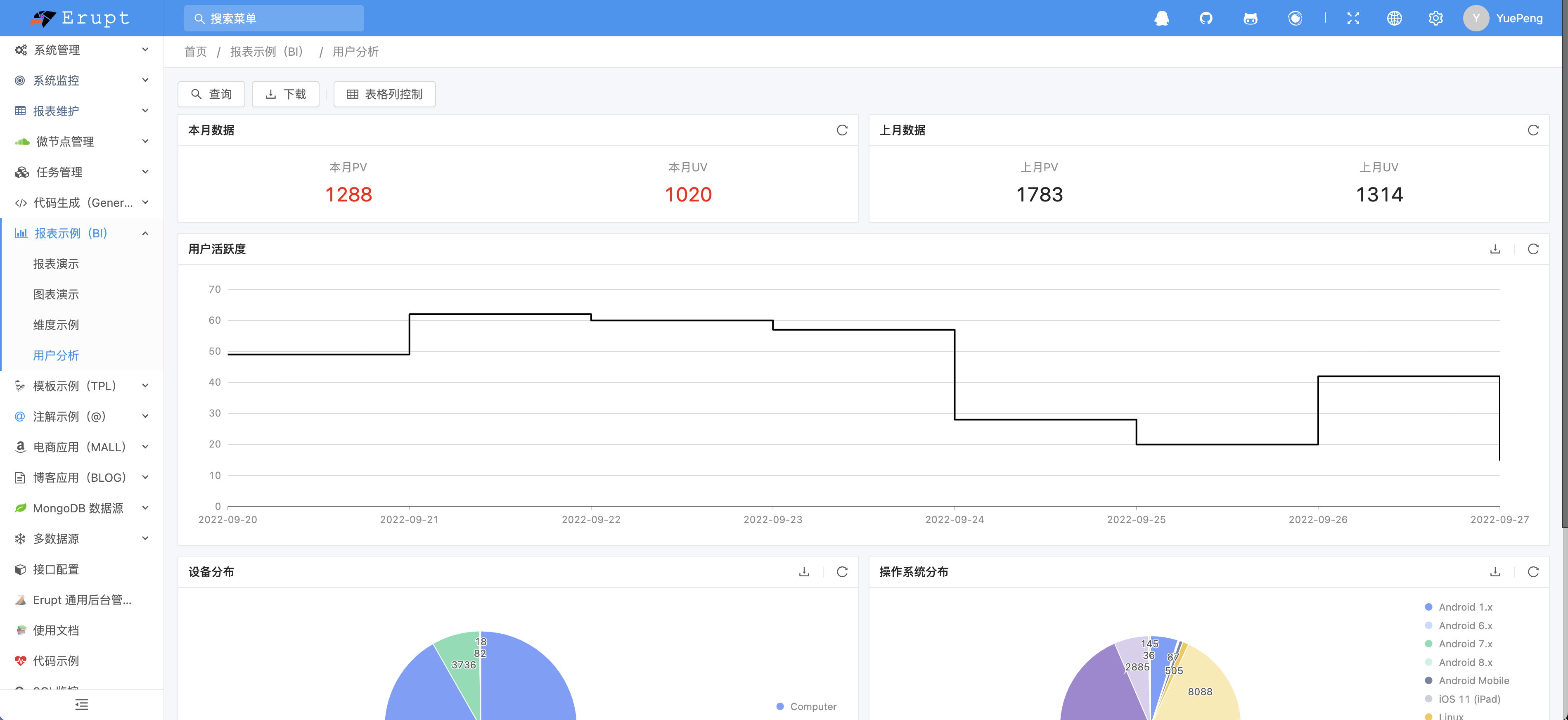
Refresh the page and the published report appears~
Publishing Rules
- The menu code is the report code, so a report cannot be published twice
- Publishing automatically creates a
bi-view-rolerole (codebi_view_role@auto) with the menu attached, making it easy to authorize report viewers in one place - With
erupt.bi.super-admin-publish: true, only super admins can publish
Contributors
 YuePeng
 Claude Fable 5.1