
对外提供 MCP Server
把 erupt 自身的 AI Tools 作为 MCP Server 对外暴露,Cursor、Claude Code、VS Code 等客户端即可直连,用自然语言读写 erupt 的实体数据。
反向能力(把外部 MCP 挂进 erupt)见 接入外部 MCP Server。
- 在
application.yml中开启 MCP 配置:
yaml
erupt:
  ai:
    mcp:
      # 是否启用内置 MCP Server(默认 false)
      server-enabled: true
      # MCP Server 名称,默认 erupt-mcp
      name: erupt-mcp
      # MCP Server 描述(可选)
description:- 在 Claude Code / Cursor / VS Code 中增加 MCP 配置:
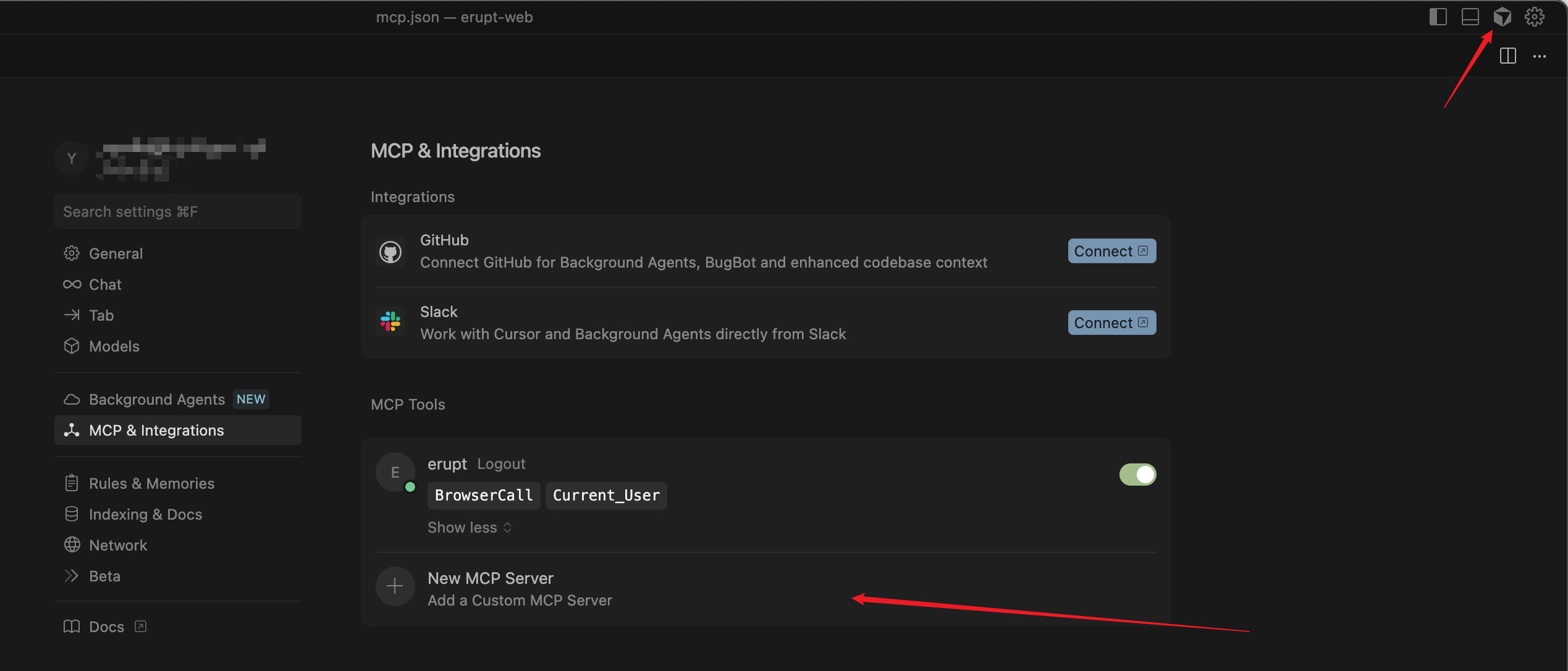
json
{
  "mcpServers": {
    "erupt": {
      "type": "sse",
      "url": "http://localhost:9999/mcp/sse",
      "headers": {
        "Authorization": "Bearer {{your secret}}"
      }
    }
  }
}
端点说明
SSE 端点为 /mcp/sse,JSON-RPC 消息端点为 /mcp(POST)。若客户端会自动补全 /sse,则填写 http://localhost:9999/mcp 也可以。
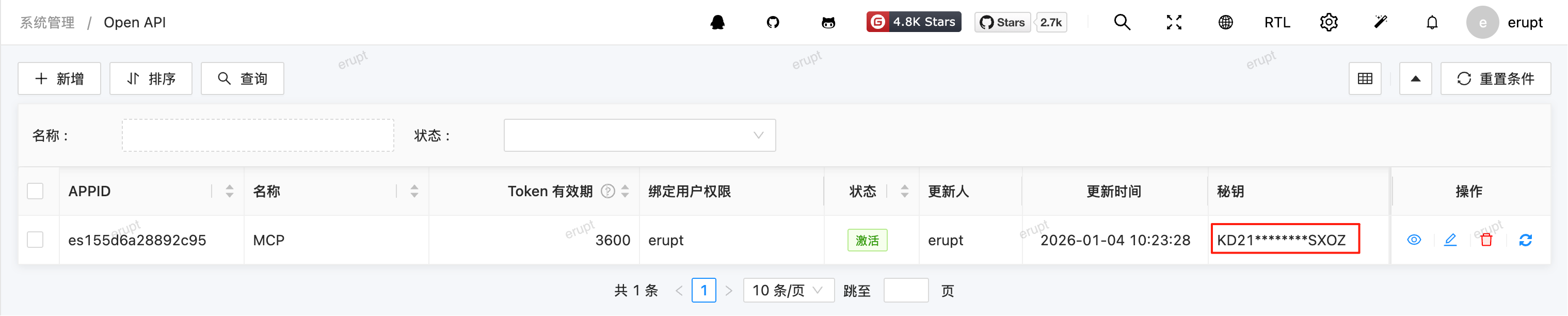
Authorization 可进入 Open API 菜单生成,值对应"秘钥"列,请注意妥善保管切勿泄露。
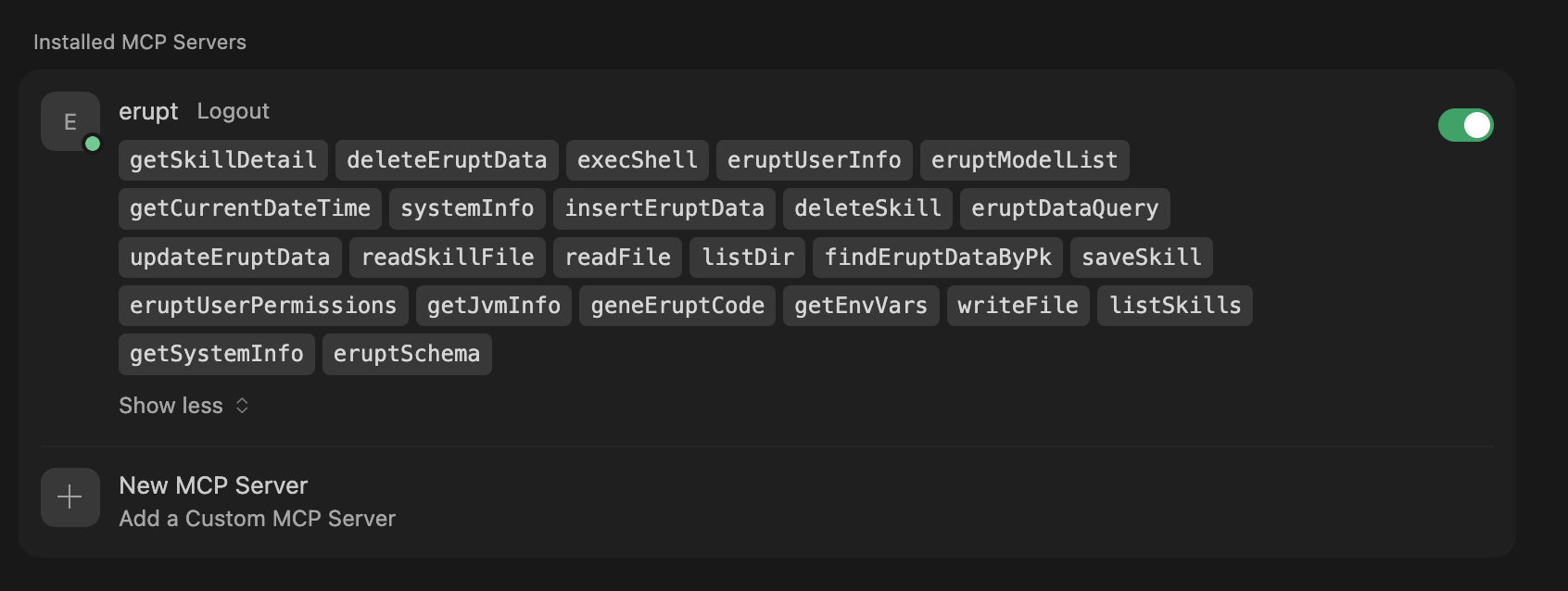
- 连接成功:
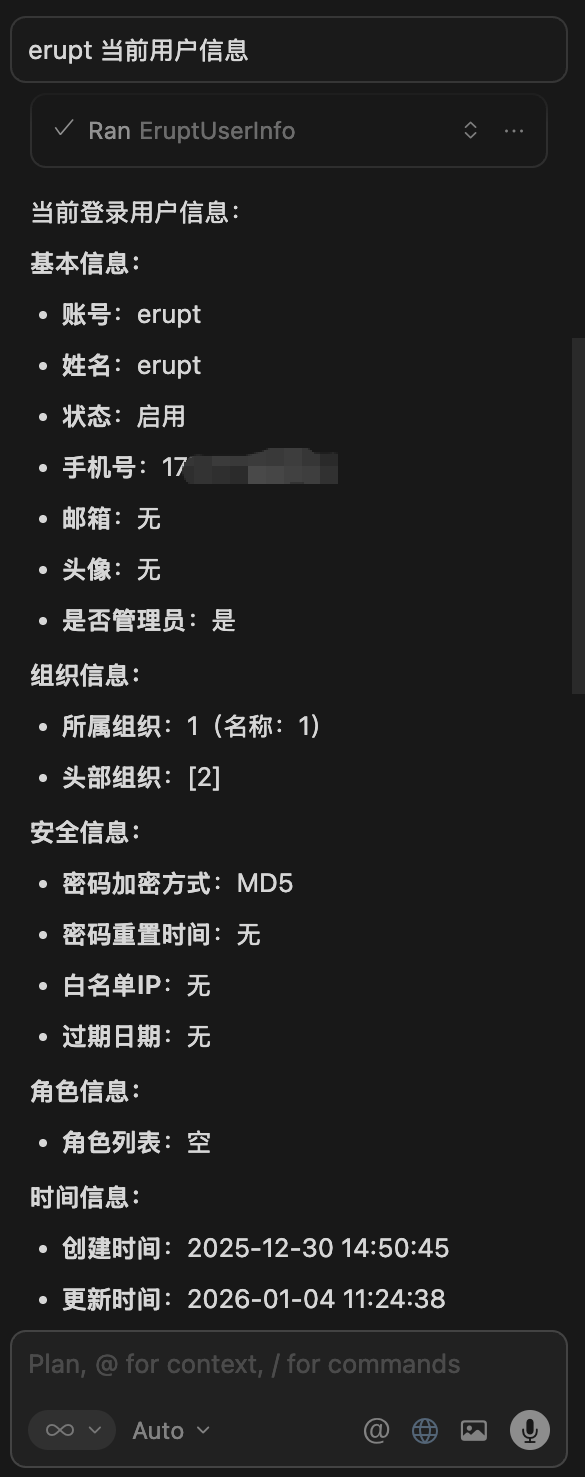
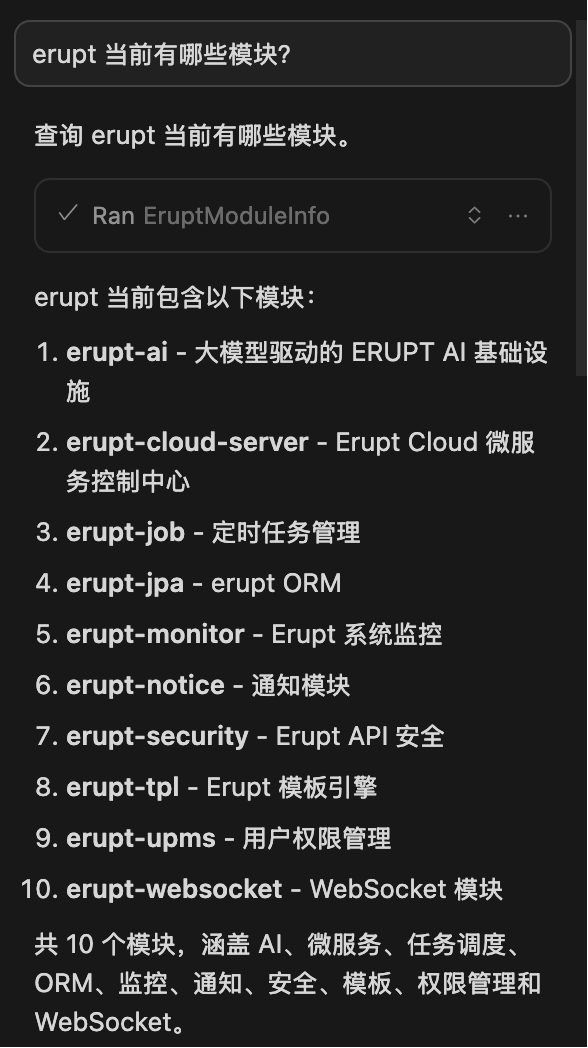
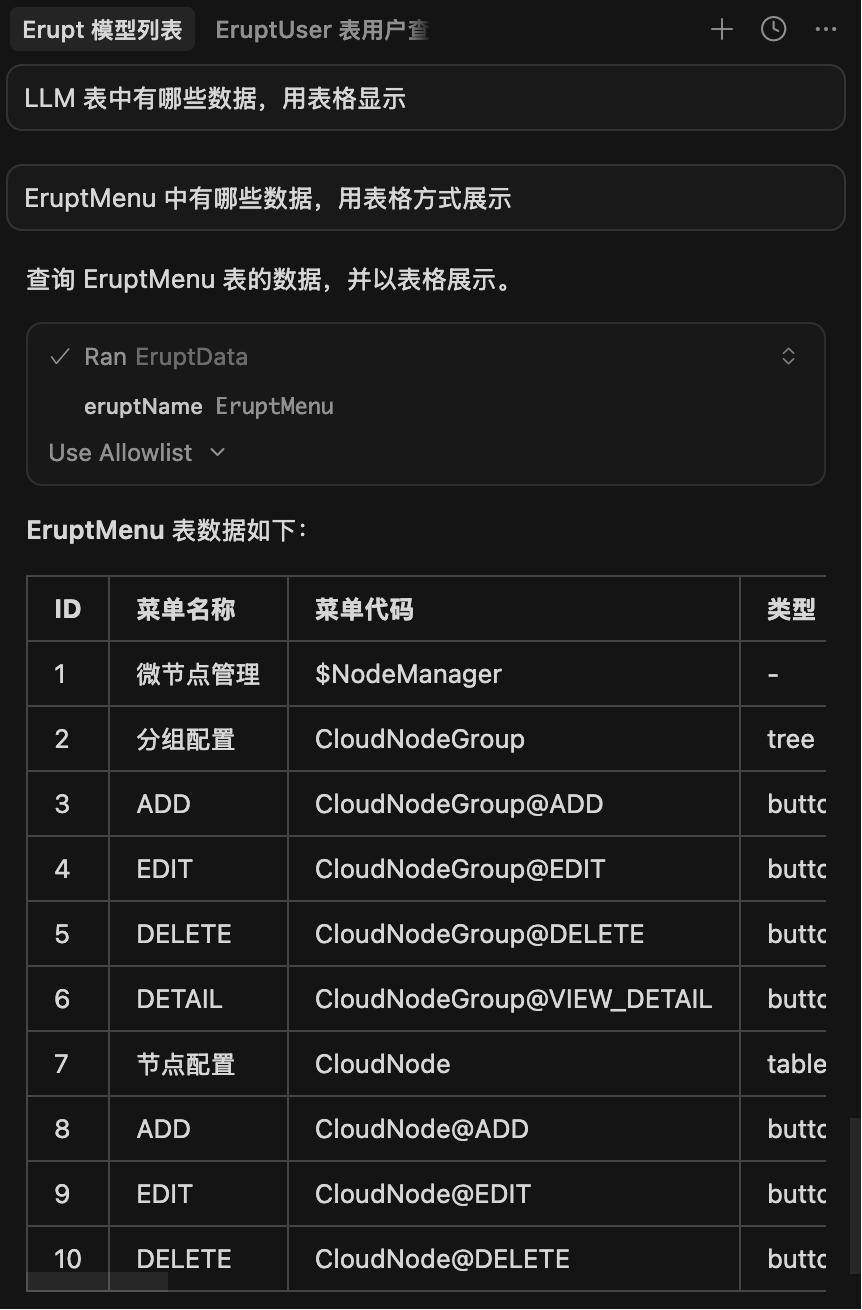
- Cursor 交互效果演示:
贡献者
 YuePeng
 Claude Opus 5 (1M context)