
Tree View @Tree
The @Tree annotation displays data as a tree structure, suitable for hierarchical data such as organizational charts, category directories, and similar use cases.
Usage
java
@Erupt(
       name = "Tree",
       tree = @Tree(id = "id", label = "name", pid = "parent.id", expandLevel = 1)
)
public class Tree extends BaseModel {

    @EruptField(
            views = @View(title = "Name"),
            edit = @Edit(title = "Name")
    )
    private String name;

    @ManyToOne
    @JoinColumn(name = "parent")
    @EruptField(
            edit = @Edit(
                    title = "Parent Node",
                    type = EditType.REFERENCE_TREE,
                    referenceTreeType = @ReferenceTreeType(pid = "parent.id")
            )
    )
    private Tree parent;

}
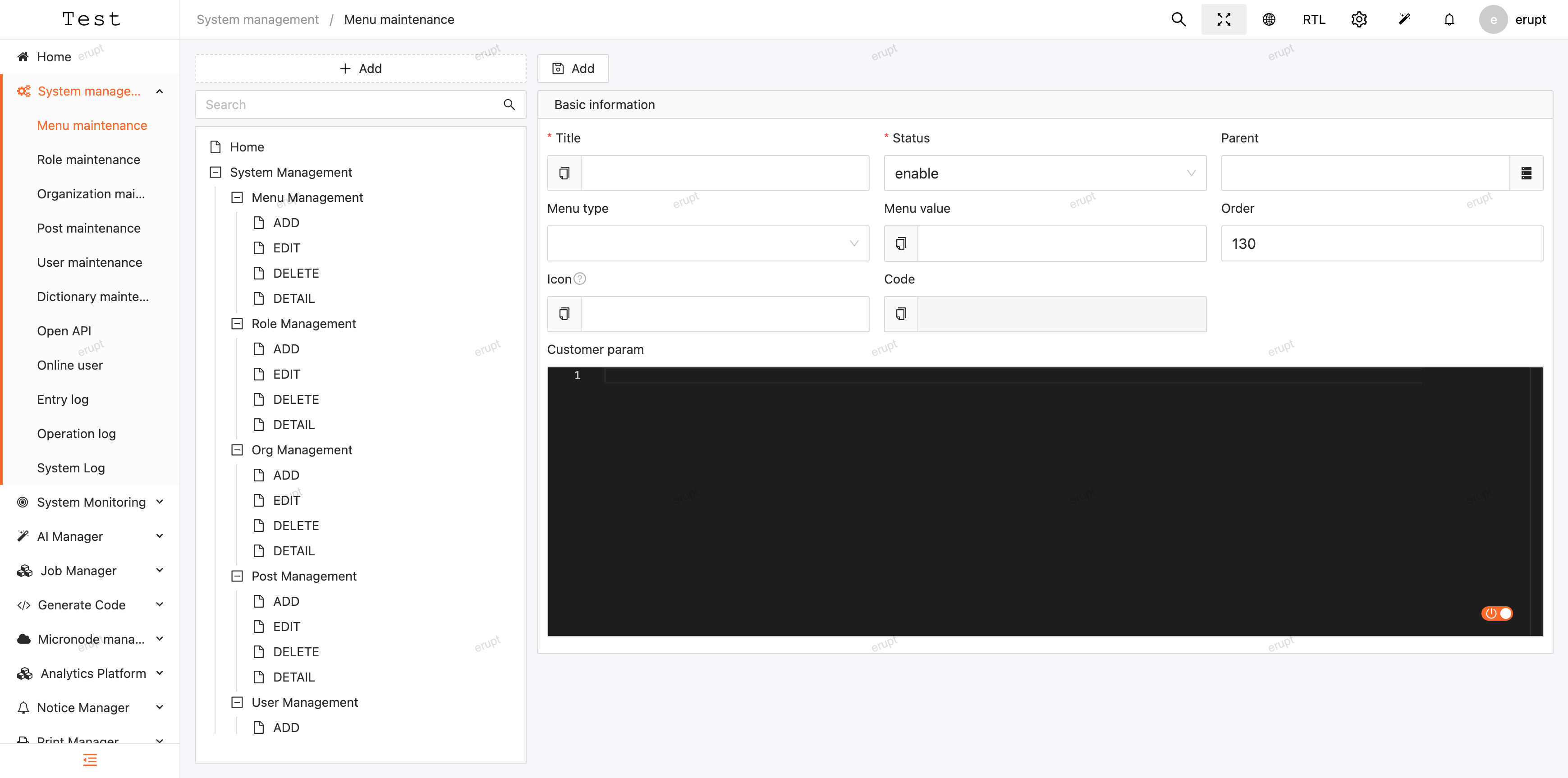
After completing the configuration and starting the project, go to System Management → Menu Management → Add → Menu Type = Tree, and enter the class name as the type value to use the tree view.
Annotation Definition
java
public @interface Tree {

    String id() default "id"; // stored column

    String label() default "name"; // display column

    String pid() default ""; // if empty, renders as a flat list

    /**
     * Expand level. If the dataset is large, reduce this value for faster rendering.
     * Can efficiently render hundreds of thousands of tree nodes.
     */
    int expandLevel() default 999;

    /**
     * If the parent node id is null, Erupt treats it as a root node and starts rendering the tree.
     * To change this behavior, implement @Expr to dynamically return a root node id.
     * Recommended to use with filter to avoid leaking unneeded data to the frontend.
     */
    Expr rootPid() default @Expr;

}
Preview
Contributors
 YuePeng
 Claude Opus 5 (1M context)