
Left-Tree Right-Table @LinkTree
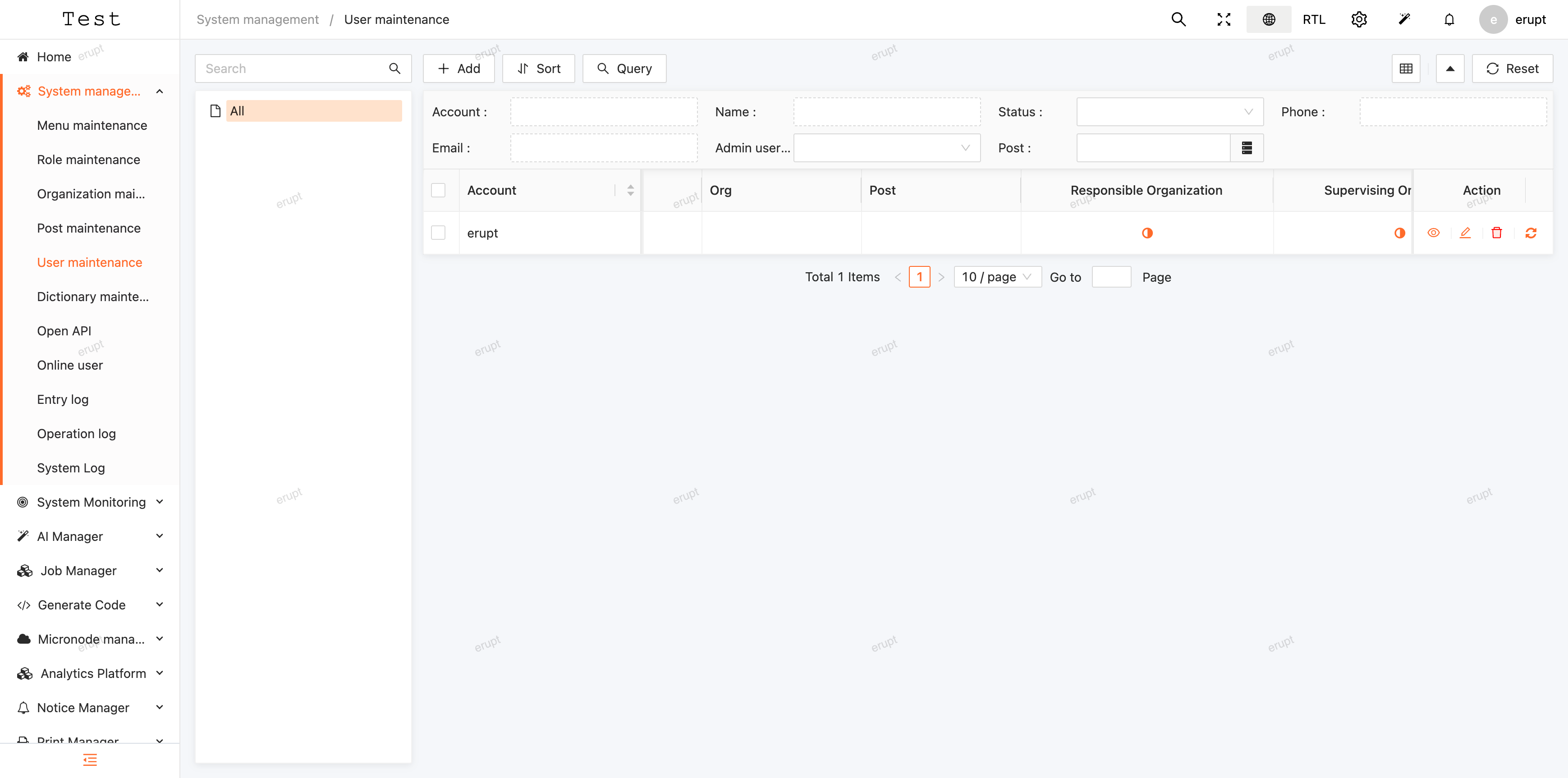
The @LinkTree annotation creates a split-panel layout with a tree on the left and a data table on the right. The table automatically filters to show only records associated with the selected tree node. This is ideal for hierarchical data that needs to be browsed alongside related records.
Usage
java
@Erupt(
       name = "Erupt",
       linkTree = @LinkTree(field = "tree") // field value is the name of the tree-component field in this class
)
public class EruptTest extends BaseModel {

    @ManyToOne
    @JoinColumn(name = "parent")
    // If dependNode = true in the @LinkTree config, @EruptField can be omitted here —
    // the framework will automatically populate the selected tree node when adding a record.
    @EruptField(
        views = @View(title = "Tree Node", column = "name"),
        edit = @Edit(
            title = "Tree Node", type = EditType.REFERENCE_TREE,
            referenceTreeType = @ReferenceTreeType(pid = "parent.id", expandLevel = 10)
        )
    )
    private Tree tree;

}
Tree class definition:
java
@Erupt(
       name = "Tree",
       tree = @Tree(id = "id", label = "name", pid = "parent.id")
)
public class Tree extends BaseModel {

    @EruptField(
            views = @View(title = "Name"),
            edit = @Edit(title = "Name")
    )
    private String name;

    @ManyToOne
    @EruptField(
            edit = @Edit(
                    title = "Parent Node",
                    type = EditType.REFERENCE_TREE,
                    referenceTreeType = @ReferenceTreeType(pid = "parent.id")
            )
    )
    private Tree parent;

}
Preview
Annotation Definition
java
public @interface LinkTree {

    /**
     * The field name that defines the tree rule node.
     * If the field has a REFERENCE_TREE component configured, that configuration is used to build the tree.
     * Otherwise, the tree is built from the @Erupt configuration of the field's type.
     */
    String field();

    // Whether data can only be fetched by selecting a tree node.
    // If true, the "All" option is hidden, and the selected tree node value
    // is automatically populated when adding a new record.
    boolean dependNode() default false;

}
Contributors
 YuePeng
 Claude Opus 5 (1M context)