
Install as a Desktop App (PWA) v2.3.0+
Erupt installs as a Progressive Web App: its own window, a taskbar / Dock icon and right-click shortcuts, so it looks and feels like a native client while the deployment stays one web site.
Installing
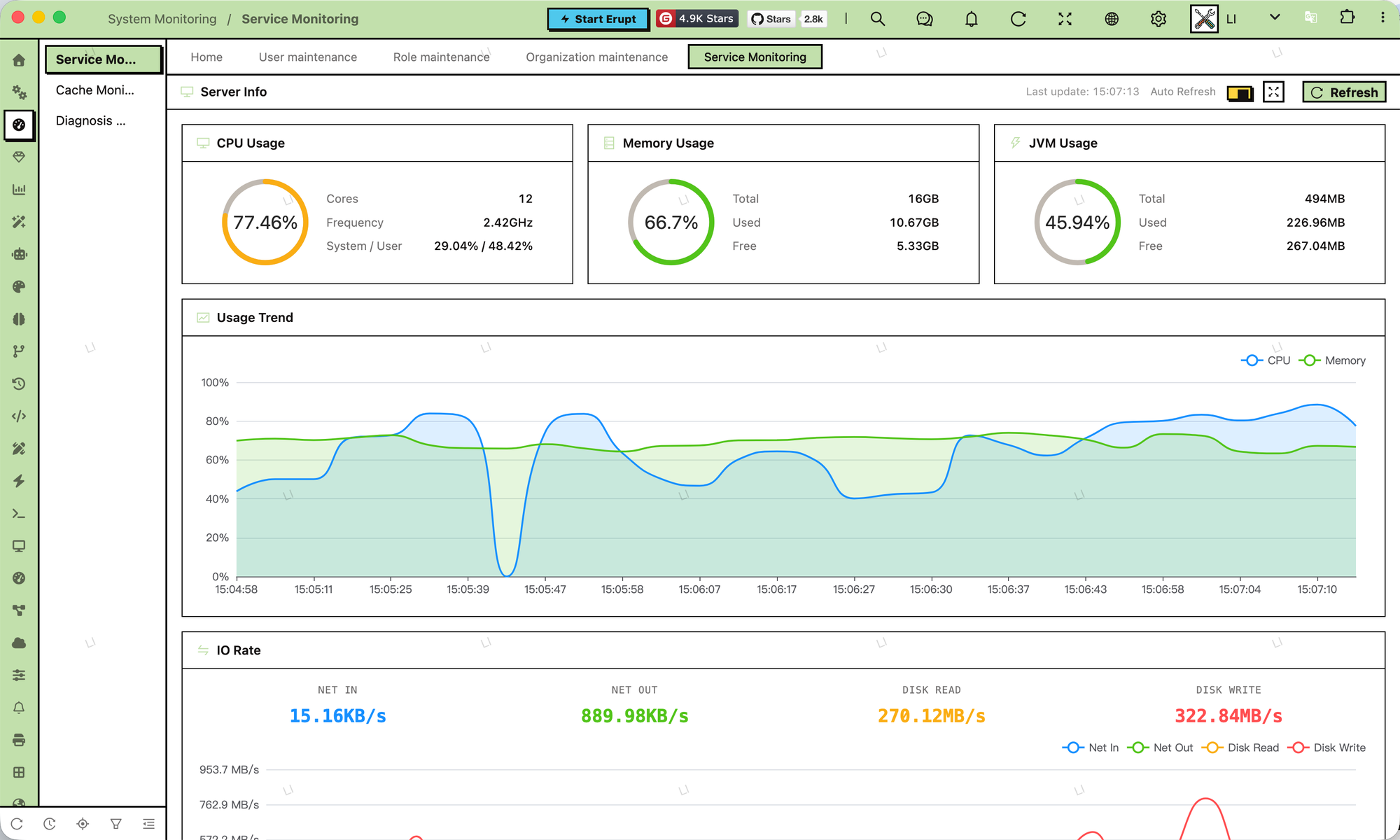
Open the site in Chrome or Edge and click the "Install" button at the right of the address bar (or browser menu → Install app). The installed app opens in its own window and shares the login session with the browser.
Prerequisites
Browsers only offer installation on HTTPS sites (and localhost), so serve production over HTTPS. Desktop Safari and Firefox do not support window-controls-overlay yet; there the app runs in a plain standalone window and the header does not double as the title bar.
Configuration
Everything lives in eruptSiteConfig in app.js; there is no manifest file to maintain:
window.eruptSiteConfig = {
    title: "Erupt Engine",          // app name
    desc: "Low-Code & AI Harness",  // app description
    logoText: "Erupt",              // short name (shown under the taskbar / Dock icon)
    faviconPath: "icon.svg",        // tab icon: ico, png or svg
    pwa: {
        icon: "assets/pwa-icon.svg",             // app icon: svg, or a png / jpg / webp of 512px or larger
        shortcuts: [                             // entries of the icon's right-click menu
            {name: "Home", url: "./#/"},
            {name: "Users", url: "./#/build/table/EruptUser", description: "Maintain login accounts"}
        ]
    },
    theme: {
        headerColor: "primary"      // the header color also surrounds the window controls
    }
};| Key | Description |
|---|---|
title / desc / logoText | Written into the manifest as the app's name, description and short name |
pwa.icon | The app icon. An svg scales freely; a raster image is measured for its real size, so use a square of at least 512px |
pwa.shortcuts | Entries shown when right-clicking the app icon (Windows taskbar, macOS Dock): name, url, optional description and icon; url may be a hash route |
faviconPath | The tab icon, applied before the app boots so the default never flashes first; window.eruptApplyFavicon(url) changes it at runtime (for example per tenant domain) |
theme.headerColor | The header color, which after installation also surrounds the window controls |
The manifest is generated at runtime from these keys and injected as a blob: URL, so a change in app.js takes effect on the next reload; an installed app picks up the new name and icon the next time the browser starts it.
The header is the title bar
The manifest declares display_override: ["window-controls-overlay"]. In a supporting browser the installed window has no separate system title bar and Erupt's header reaches the very top of the window:
- Empty header space drags the window; menu items, search, notifications and other buttons stay clickable
- The header pads itself past the OS window controls (close / minimize / maximize) and hides the brand block
- Drawers, docked form panels and notification toasts start below the header and never cover the window controls
- Draggable dialogs are held below the window controls so they cannot end up in an unclickable area
The window color follows the page
The color a browser paints around the window controls comes from <meta name="theme-color">, which Erupt keeps in sync:
- The color is read off the painted header; a transparent or translucent header (Liquid Glass, the Workspace frame) is composited over its backgrounds first
- On the login page, which has no header, the page surface is read, custom login pictures included
- Dialog / drawer masks and the lock screen dim it in step and it recovers when they close, so the window corners always match the page
Troubleshooting
| Symptom | Cause and fix |
|---|---|
| No "Install" button in the address bar | The site is not served over HTTPS, or the browser does not support PWA installation |
| The installed icon is the default Erupt mark | pwa.icon is not set; set it, then reinstall or wait for the browser's next launch |
| Shortcuts do not appear | Right-click the taskbar icon on Windows or the Dock icon on macOS; some systems show them only while the app runs |
| The header did not become the title bar | The browser lacks window-controls-overlay (Safari, Firefox), or the user turned the mode off from the window menu |
The keys are listed under Frontend Configuration; the rest of the shell is covered in UI & Interaction.
Contributors
 YuePeng
 Claude Fable 5.1