
图标选择 ICON v2.3.0+
图标选择器,从完整的 Font Awesome 图标库中挑选图标,值以类名字符串(如 fa fa-house)存储,可附加一个颜色类(如 icon-red、icon-primary)。
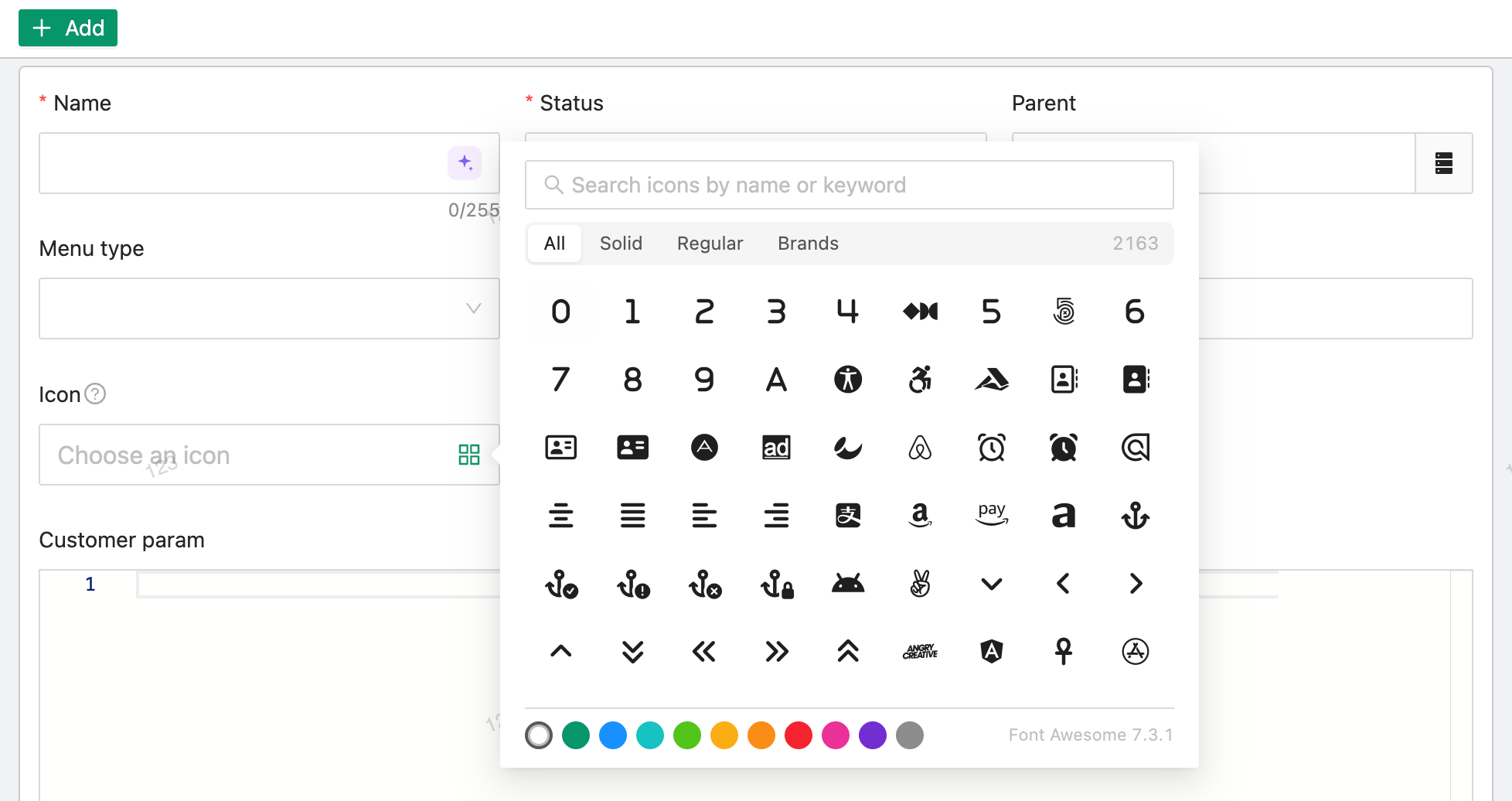
选择面板支持按名称、标签、别名搜索,可按 solid / regular / brands 过滤,滚动时分批加载;选中后值即为完整的 class 列表,前端可直接渲染,无需解析。
基础用法
java
@EruptField(
    views = @View(title = "图标"),
    edit = @Edit(title = "图标", type = EditType.ICON)
)
private String icon;
配置项
ICON 无专属配置注解,通过 @Edit 的通用属性(notNull、desc、placeHolder、show 等)控制即可。
| 存储值示例 | 说明 |
|---|---|
fa fa-house | 纯图标类名 |
fa fa-house icon-red | 附加固定颜色类 |
fa fa-house icon-primary | 附加主题色类,颜色跟随当前主题色变化 |
TIP
ICON 支持在搜索区中作为查询条件,也支持在表格中行内编辑(@Edit(inline = true))。
表格展示
@View 类型为 AUTO 时会自动解析为 ViewType.ICON,表格列直接渲染图标而不是类名文本;如需显示原始类名,可显式指定 @View(type = ViewType.TEXT)。
示例
菜单图标(来自 erupt-upms 的 EruptMenu):
java
@EruptField(
    views = @View(title = "图标", width = "70px"),
    edit = @Edit(
        title = "图标", type = EditType.ICON,
        desc = "参考 Font Awesome 图标库"
    )
)
private String icon;
贡献者
 YuePeng
 Claude Fable 5.1